HTML editor

What is an HTML editor?
An HTML editor is a specialized software tool that helps users create and modify HTML (Hypertext Markup Language) code for websites and digital content.
It simplifies the process of writing HTML by providing features like syntax highlighting, code completion, and real-time preview capabilities. Modern HTML editors are essential for content creators and marketers who need to ensure their content looks professional across different platforms and devices.
Types of HTML editors
HTML editors come in different forms, each serving specific needs and user expertise levels. Understanding these types helps you choose the right editor for your content creation workflow.
WYSIWYG editors
WYSIWYG (What You See Is What You Get) editors provide a visual interface where you can format text and add elements without directly writing HTML code.
These editors automatically generate the underlying HTML code based on your visual editing actions. ContentStudio's social media post composer is an excellent example of a WYSIWYG editor that makes content creation intuitive and efficient.
Key features of WYSIWYG editors include:
Visual formatting tools
- Text formatting options (bold, italic, underline)
- Paragraph styling and alignment controls
- Image insertion and manipulation
- Table creation and modification
Time-saving benefits
- No coding knowledge required
- Instant visual feedback
- Faster content creation process
- Reduced learning curve
Source code editors
Source code editors provide direct access to HTML code, offering more control and flexibility for experienced users. These editors are preferred by developers and technical content creators who need precise control over their HTML structure.
Key features of source code editors include:
Advanced editing capabilities
- Syntax highlighting for better code readability
- Code completion suggestions
- Error detection and highlighting
- Multiple file management
Development-focused tools
- Search and replace functionality
- Code folding and navigation
- Integration with development tools
- Version control support
Essential features of modern HTML editors
Modern HTML editors have evolved to meet the demands of contemporary content creation. Here are the crucial features that make them indispensable tools.
Code assistance
Effective HTML editors provide various forms of code assistance to streamline the editing process:
Syntax support
- Real-time error detection
- Auto-completion of tags and attributes
- Code snippets and templates
- Validation tools
Documentation access
- Quick reference guides
- Context-sensitive help
- Code examples and best practices
- Integration with online resources
Preview capabilities
Preview features are essential for ensuring content appears as intended:
Multiple preview modes
- Real-time preview window
- Mobile device simulation
- Cross-browser compatibility checking
- Responsive design testing
Collaboration features
Modern HTML editors often include tools for team collaboration:
Team workflow support
- Shared editing capabilities
- Comment and feedback systems
- Version history tracking
- User role management
Benefits of using an HTML editor for content creation
Implementing an HTML editor in your content creation workflow offers numerous advantages for both individuals and teams.
Improved productivity
HTML editors significantly enhance content creation efficiency:
Time management benefits
- Faster content production
- Reduced error correction time
- Streamlined formatting process
- Automated code generation
Workflow optimization
- Organized content structure
- Consistent formatting
- Template-based creation
- Batch editing capabilities
Enhanced content quality
Using an HTML editor helps maintain high content standards:
Content consistency
- Uniform formatting across posts
- Standardized code structure
- Brand style compliance
- Cross-platform compatibility
Error reduction
- Automated validation
- Format checking
- Link verification
- Accessibility compliance
Best practices for using HTML editors
To maximize the benefits of your HTML editor, follow these established best practices:
Organization and structure
Maintain a clean and organized approach to content creation:
Content management
- Use consistent naming conventions
- Organize content in logical sections
- Implement proper heading hierarchy
- Maintain a clean code structure
Asset organization
- Organize media files systematically
- Use appropriate file formats
- Optimize images and media
- Maintain backup copies
Performance optimization
Ensure your content performs well across all platforms:
Code efficiency
- Minimize unnecessary markup
- Optimize code structure
- Remove unused elements
- Implement proper nesting
Loading speed
- Optimize media elements
- Minimize external resources
- Use efficient coding practices
- Implement caching strategies
Integration with content management systems
Modern HTML editors often work seamlessly with content management systems to enhance the content creation process. Social media management tools like ContentStudio integrate HTML editors to provide a comprehensive content creation and publishing solution.
Workflow integration
Proper integration enhances the content creation process:
System compatibility
- Seamless data transfer
- Format preservation
- Version control integration
- Multi-platform support
Publishing workflow
- Direct publishing capabilities
- Scheduled posting options
- Content approval processes
- Analytics integration
Data management
Effective data handling is crucial for content management:
Content organization
- Centralized storage
- Easy access and retrieval
- Backup and recovery
- Version tracking
Security measures
- Access control
- Data encryption
- Regular backups
- Audit trailing
Conclusion
HTML editors are essential tools for modern content creation, offering a perfect balance of functionality and ease of use. Whether you're a beginner using a WYSIWYG editor or an experienced developer working with source code, these tools streamline the content creation process and ensure professional results.
By integrating an HTML editor into your workflow through platforms like ContentStudio, you can enhance your content quality while saving time and resources.
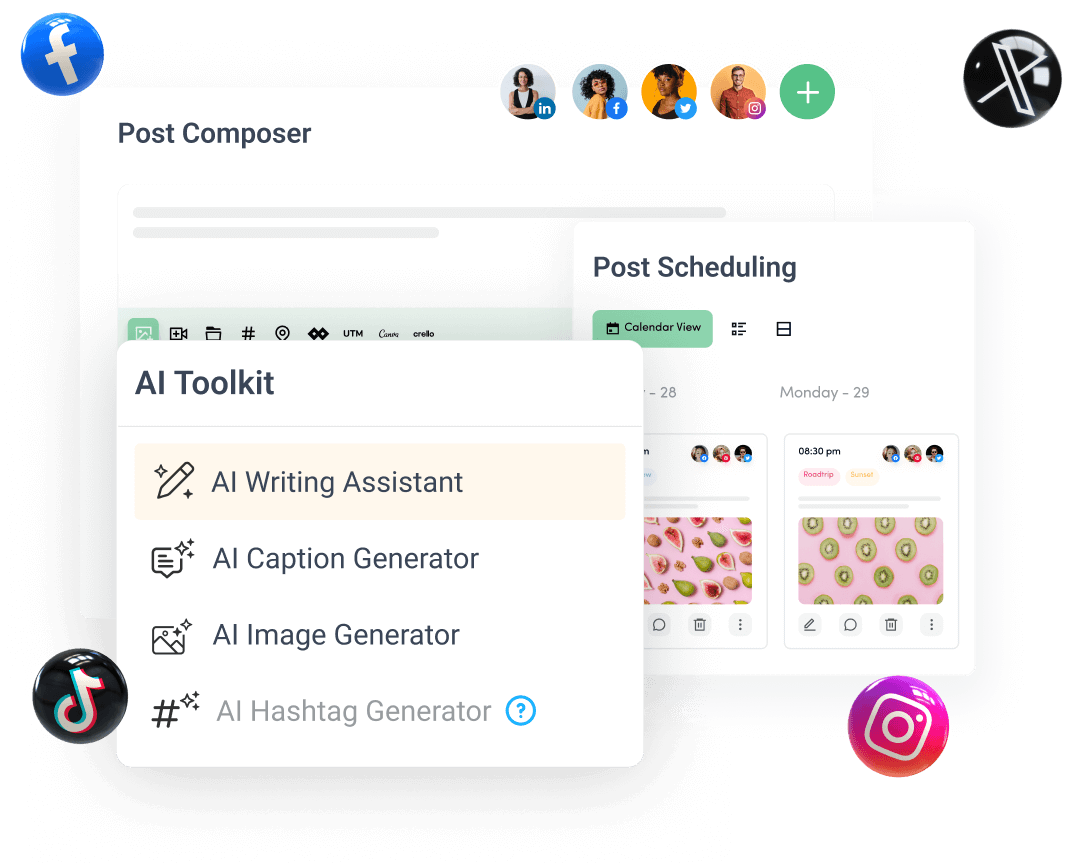
Create, plan, schedule, and publish posts on all social media networks