How to choose a social media management tool (2027 guide)
Nov 3, 202621 minutes

Written by
Abdullah MansoorUpdated
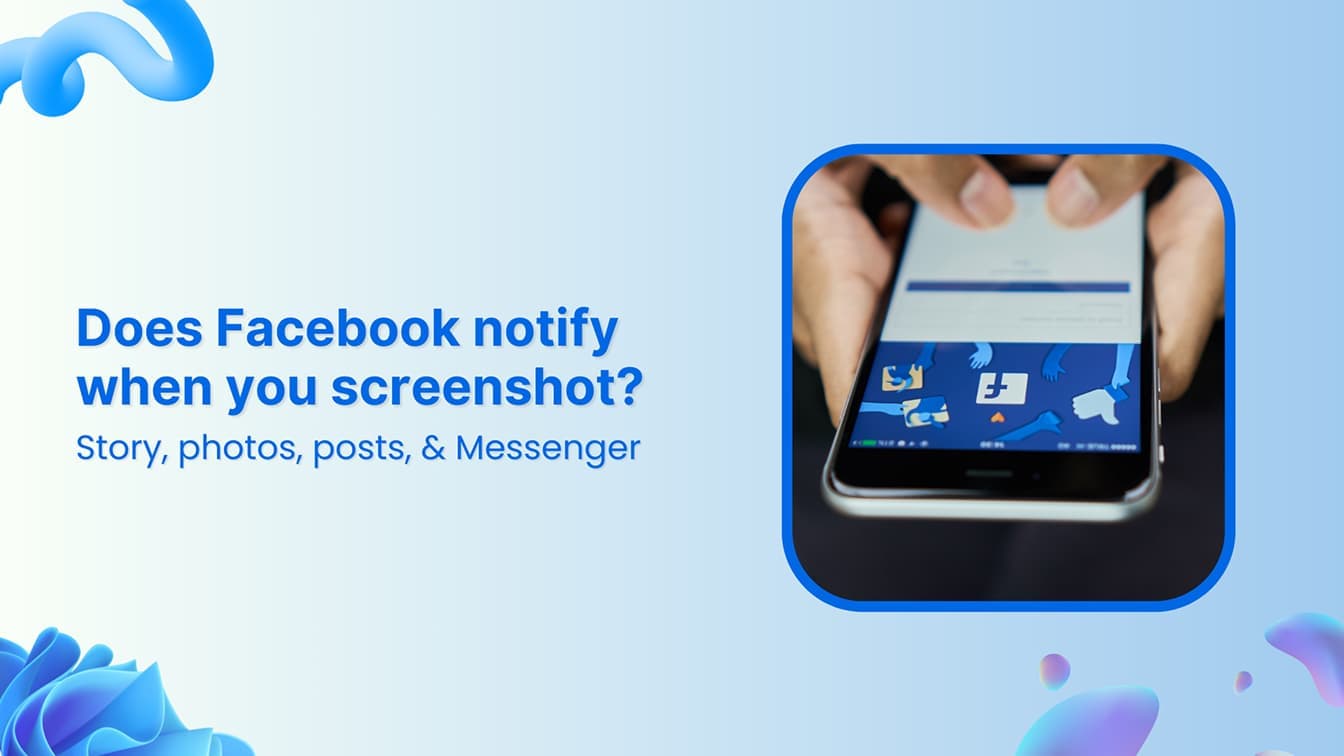
You screenshot a story, a DM, or a post, and then that little voice kicks in: did they just get a notification?
Here’s the short answer: no, Facebook doesn’t notify screenshots for most content. Photos, posts, regular Stories, and normal Messenger chats can all be screenshotted silently. But there’s one big exception: disappearing messages (what used to be called Vanish Mode) in Messenger. Screenshot one of those, and the other person finds out.
This guide breaks down exactly when Facebook alerts someone to a screenshot and when it doesn’t, across every corner of the platform: Stories, Reels, posts, and Messenger. We’ll also cover a few practical ways to protect your own content from screenshots, which matters more than ever now that Facebook marketing leans so heavily on Stories, Reels, and DMs to reach audiences.
Facebook does not notify users when someone takes a screenshot of their profile, posts, photos, stories, or videos. As of 2025, Facebook does not have a built-in feature to track or notify about screenshots.
However, there is one exception: Facebook Messenger’s Vanish Mode. If you take a screenshot while in Vanish Mode (where messages disappear after being viewed), the other person will receive a notification. In regular Messenger chats, there is no such notification.
Here’s a summary of how Facebook handles screenshots across different features:
| Facebook content type | Screenshot notification | Notes |
|---|---|---|
| Facebook stories | ❌ No | Users are not notified if someone screenshots their story. |
| Facebook posts & photos | ❌ No | Public or private posts can be screenshotted without notification. |
| Facebook Reels & videos | ❌ No | No alerts are sent when taking screenshots of videos or reels. |
| Facebook profile page | ❌ No | Users can take screenshots of profiles without detection. |
| Facebook Messenger (Regular chats) | ❌ No | No notifications are sent for screenshots in standard chats. |
| Facebook Messenger (Disappearing messages) | ✅ Yes | Users will be notified if someone takes a screenshot when the disappearing messages mode is enabled. |
| Saved Photos | ❌ No | Facebook does not notify when someone saves a photo from a post. |
The key reason why Facebook does not notify screenshots is that Facebook is designed around public sharing and user-controlled privacy settings rather than restricting content like Snapchat.
Instead of blocking or tracking screenshots, Facebook encourages users to manage their privacy settings to control who can see their content.
Facebook Marketing
Manage and grow your brand on Facebook. Create, schedule, and publish posts, videos, and Reels to Facebook pages and groups.
Get Started for FREE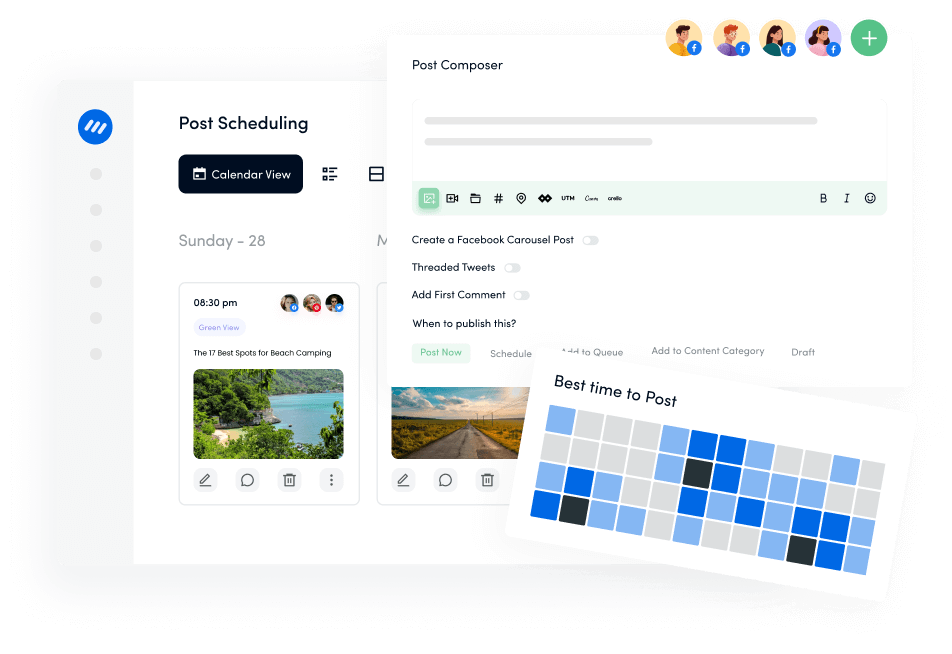
Facebook is used for sharing stories, posts, messages, and media like PDF flipbooks, but does it notify users when a screenshot is taken?
Let’s get into into more detail about how different Facebook features handle screenshots and what you can do to protect your privacy.
No, Facebook does not notify users when someone takes a screenshot of their story.
Unlike Snapchat, where users get alerts for story screenshots, Facebook does not track or notify users if their stories are screenshotted. This means you can take a screenshot of a story without the other person knowing.
If you’re concerned about people screenshotting your stories, limit your audience by selecting “Friends” or “Custom” in story settings.

No, Facebook does not notify users when you screenshot their photos, Reels, videos, or any kind of post.
Whether it’s a public post, private post, or shared photo, Facebook does not send alerts for screenshots. However, users can control who sees their posts by adjusting their privacy settings.
If you don’t want your photos or posts screenshotted, consider:

Facebook Messenger is an essential part of the Meta ecosystem. It allows you to send DMs to Facebook profiles. When it comes to Facebook Messenger notifying screenshots, you have to know about two different types of chats:
Facebook Messenger has rebranded the Vanish mode as disappearing messages. You have to enable this option by tapping on a one-on-one chat in your Messenger.
It allows you to send temporary, self-destructing messages that disappear after the 24-hour window. If someone takes a screenshot during this period, both users get an alert.
If you don’t want messages to be saved, use Vanish Mode when sharing sensitive content.

Related: Can you unsend Messages on Facebook?
No, Facebook does not notify users when you screenshot a profile page or any of the content on it.
Users can view and screenshot another person’s profile details, cover photo, and public posts without Facebook sending a notification.
To limit exposure:
No, Facebook does not send alerts when someone saves a photo from a post.
Users can download photos without receiving a notification for the original poster. This applies to profile pictures, album photos, and shared images.
Prevent people from saving or misusing your photos by:

Related: Free Facebook video downloader
Facebook has over 3 billion monthly active users in 2025. Since its inception in 2004, Facebook’s privacy policies have gone through many changes, especially when the parent company rebranded to Meta.
Nevertheless, Facebook’s policy regarding sending notifications when someone takes a screenshot is almost consistent throughout its products. Just like Instagram, Facebook does not generally send notifications unless the disappearing messages mode / Vanish mode is enabled in Messenger.
However, Facebook does provide users with several privacy settings, as discussed in the previous section, that let you control who can see your posts and how they interact with your content.
You can adjust your profile privacy, limit who sees your posts and stories, and even decide who can tag you in photos. This means you can control who shares and sees your content, even if screenshots aren’t being flagged.
Related: How to manage social media privacy settings?
When it comes to screenshot notifications, Facebook is one of the few major platforms that doesn’t alert users when a screenshot is taken unless you’re in Messenger’s Vanish Mode.
Let’s see how it compares to other popular social media networks:
ContentStudio, an all-in-one social media management platform that offers a Facebook post scheduler. By using ContentStudio, you can carefully plan your posts and ensure you’re sharing content with the right audience at the right time.
Plus, it helps with analytics, cross-platform management, and content performance tracking so you can stay on top of your content’s reach without compromising security.
By using ContentStudio, you ensure that your social media activities are handled with care, and you can monitor and manage your content across multiple platforms, all in one place.
When it comes to screenshot notifications, Facebook is pretty hands-off. Aside from Messenger’s disappearing messages mode, Facebook doesn’t alert you when someone takes a screenshot of your posts, stories, Reels, or photos.
While that offers freedom, it also means you need to stay proactive about your content privacy.
For those looking to easily manage and publish to multiple social platforms at once across platforms like Facebook, ContentStudio can help you stay ahead of privacy concerns while boosting your social media presence.
Plan, schedule, share, and analyze content for 15+ social media channels.
Try ContentStudio for FREE
No, Facebook does not notify you if someone takes a screenshot of your story. There are no alerts for this action.
No, Facebook does not offer a specific feature to protect your content from screenshots, and there are no notifications for screenshots taken on the platform.
No, Facebook does not provide a way to see who has taken a screenshot of your story.
No, Facebook does not notify you if someone saves or downloads your photos from the platform.
Facebook Messenger does not notify you if someone takes a screenshot in regular chats. However, if disappearing messages mode is enabled, you will be notified if someone screenshots your messages or images.
Abdullah Mansoor is a Senior Content Writer at ContentStudio with a proven track record creating engaging content across SaaS, technology, marketing, and e-commerce. He focuses on Instagram growth, how-to guides, carousel posts, user-generated content, and white-label social media management, and reviews blog content for structure, clarity, accuracy, and a consistent brand voice.
View all posts by Abdullah MansoorRecommended for you
How to choose a social media management tool (2027 guide)

How to build an executive’s LinkedIn content workflow with Claude Code

How to turn one product photo into 5 video Ads with Claude Code
Social media MCP server: How to automate posting with ContentStudio