
How to build an executive’s LinkedIn content workflow with Claude Code
Oct 1, 202615 minutes

Written by
Areesha KhanUpdated
Keeping up with social media trends is challenging, especially when managing content across multiple platforms.
As short-form video content rises, platforms like Instagram, TikTok, and YouTube Shorts have become vital for brands and creators.
More than 85% of marketers consider short-form videos the most effective marketing tool. (source)
But keeping up with the demands of posting Reels, TikToks, and Shorts consistently can feel overwhelming. This is where ContentStudio comes to the rescue.
In this blog, we’ll see how to schedule Reels, TikToks, and Shorts at the same time using ContentStudio so you can focus more on creating and less on juggling multiple apps.
Plan, schedule, share, and analyze content for 15+ social media channels.
Try ContentStudio for FREE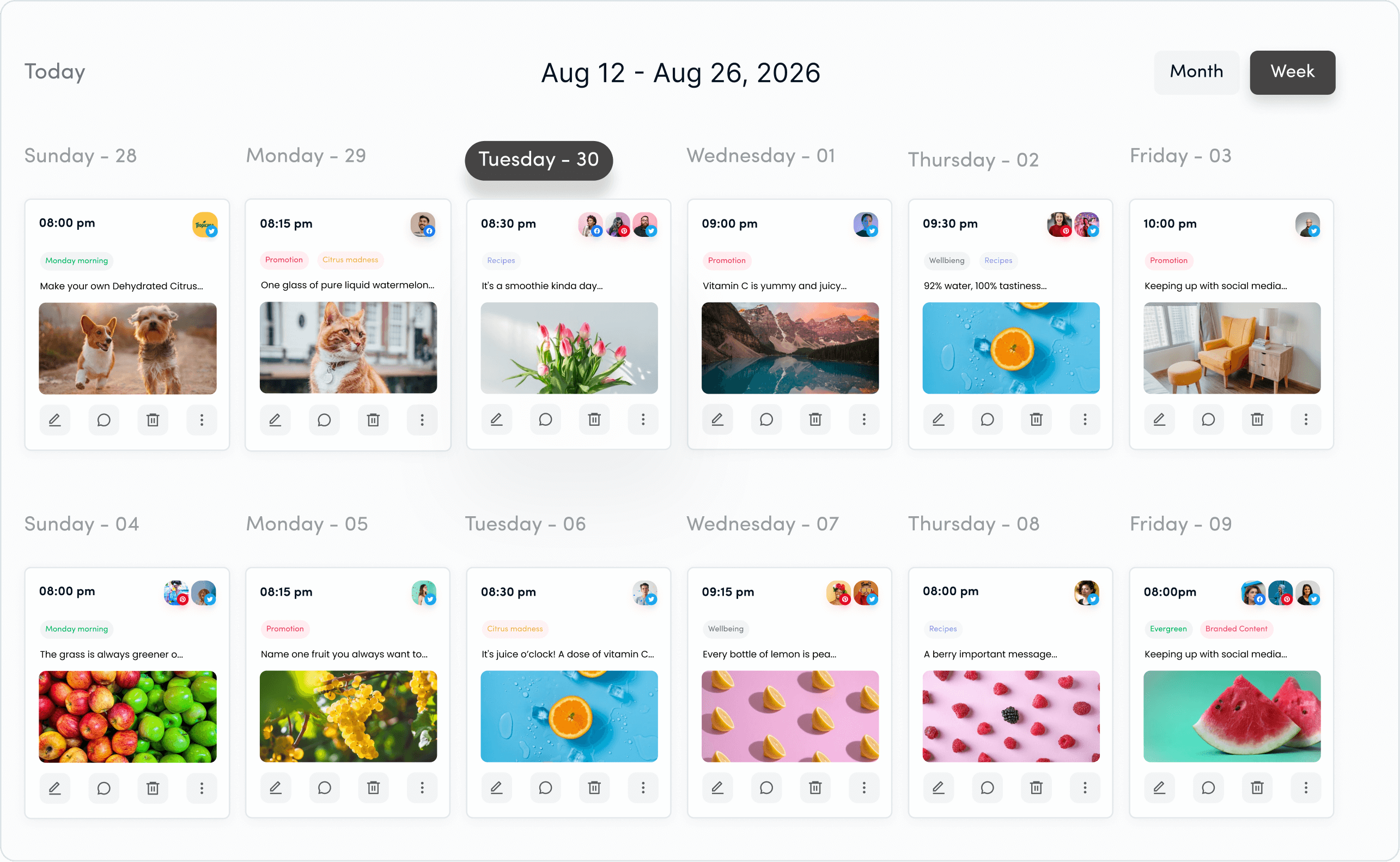
Before we jump into the guide, let’s talk about why ContentStudio is a game-changer:
If you’re new to ContentStudio, head to ContentStudio.io and sign up for an account.
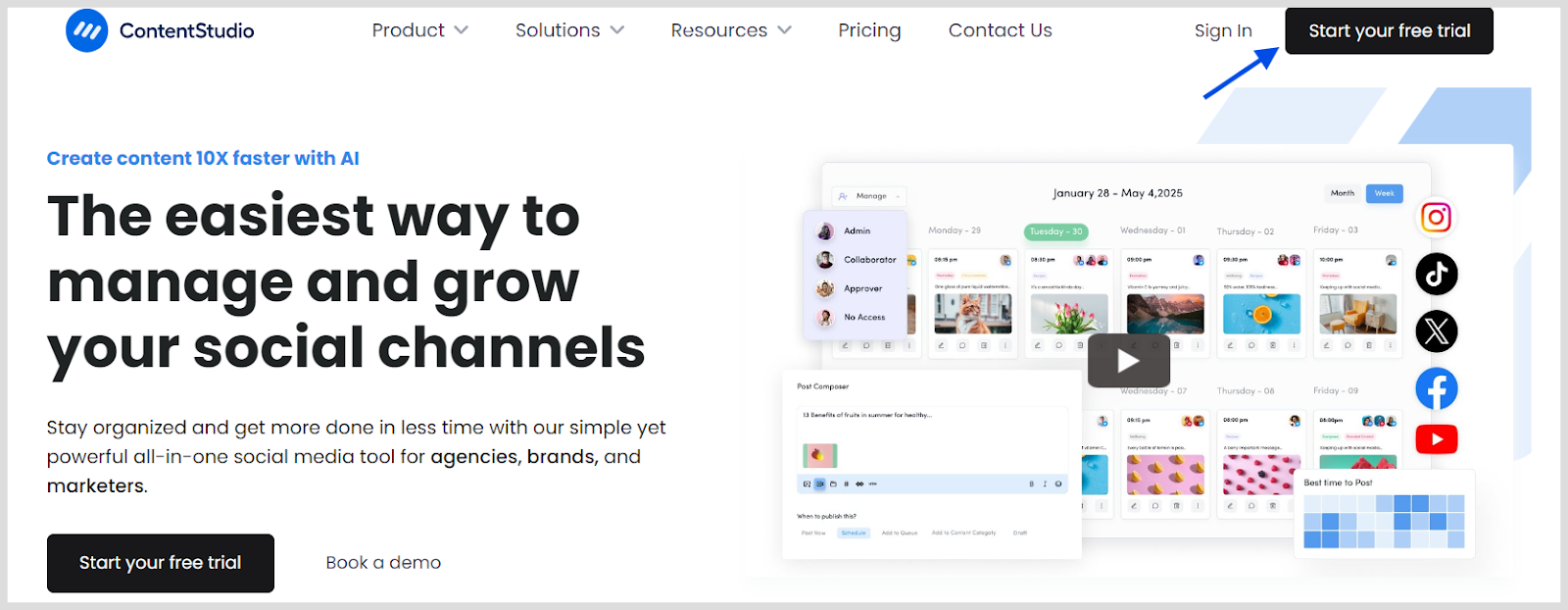
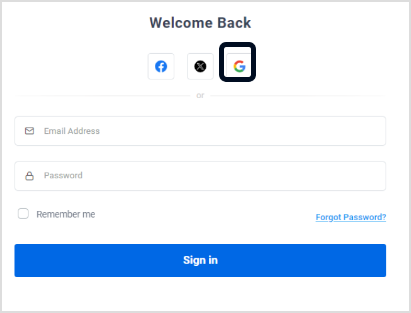
If you’re already a user, simply log in.
To start scheduling, connect your Instagram, TikTok, and YouTube accounts.
Go to the Social Accounts section under your profile icon.
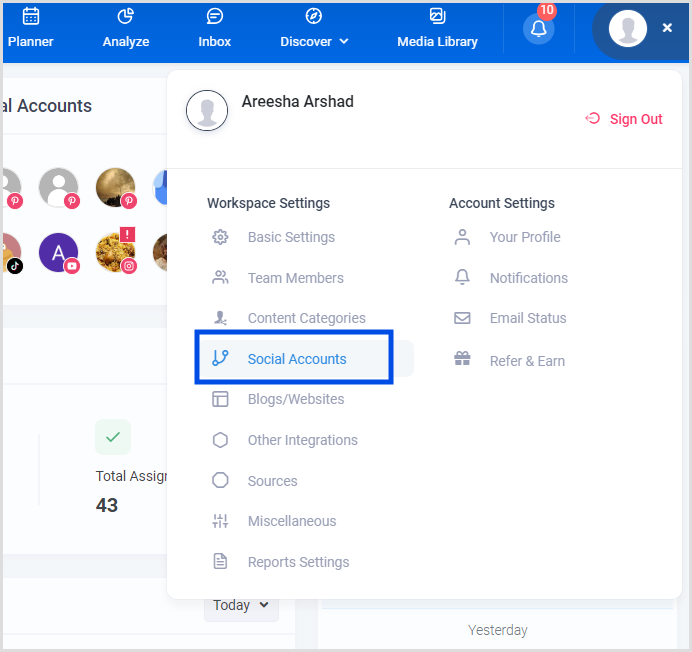
Connect your accounts one by one:
Instagram:

TikTok:
YouTube:
Click on “Compose” from the dashboard and select “Social Post.”
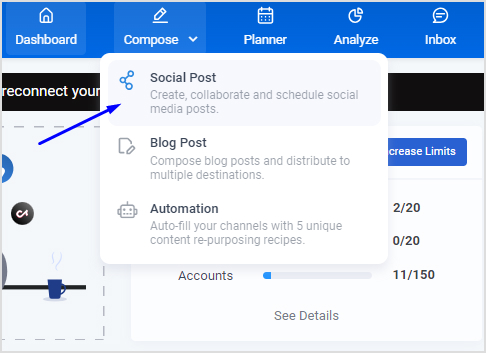
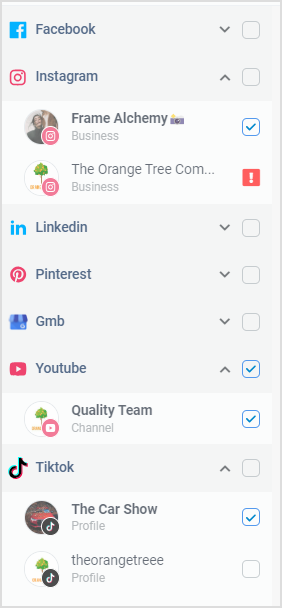
Choose Instagram, TikTok, and YouTube from the connected social media accounts list.
Upload your video file. Ensure it meets the specifications required by each platform (vertical format, up to 60 seconds).
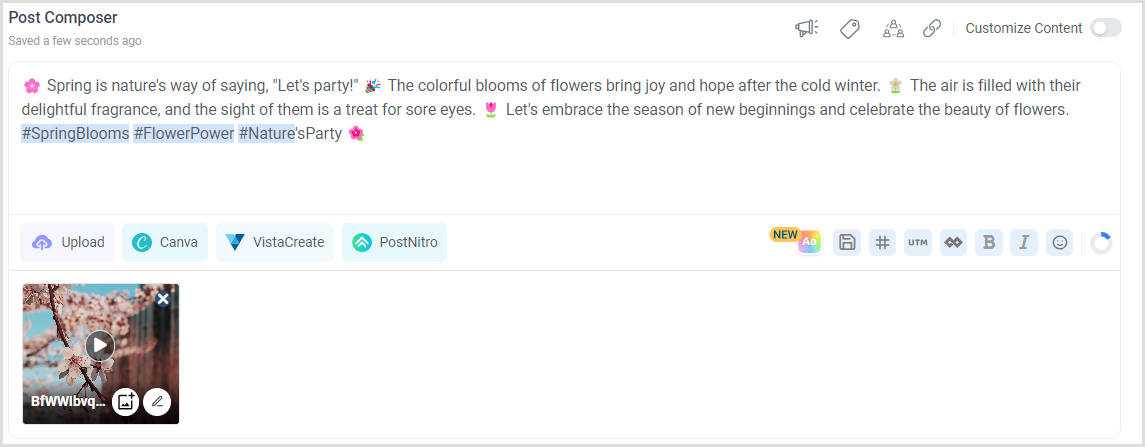
Add your captions, hashtags, and any other necessary details.
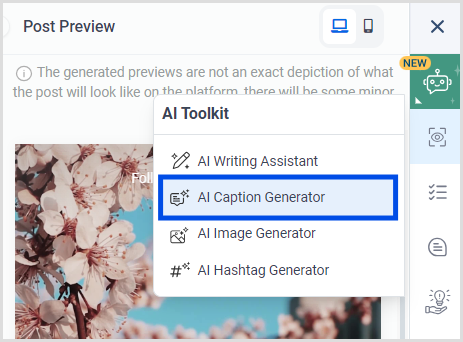
Use ContentStudio’s AI caption generator to enhance your caption.
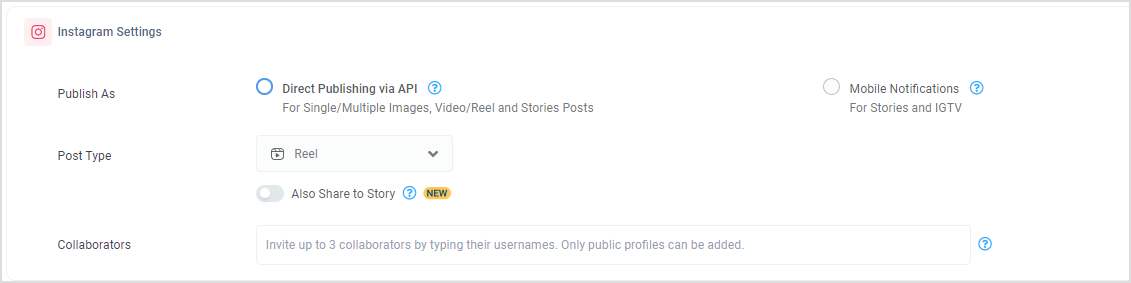
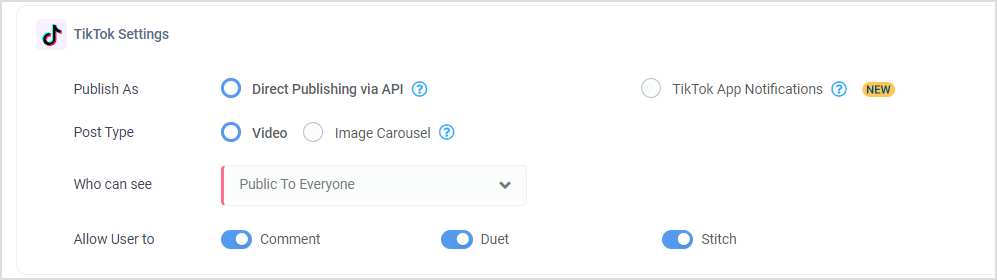
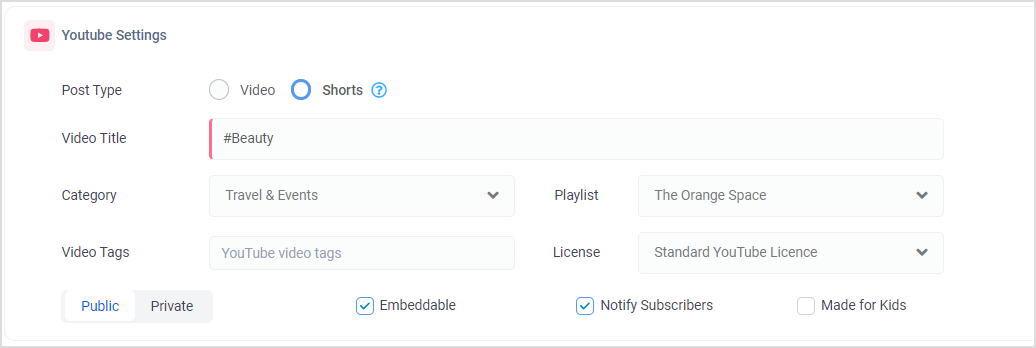
When scheduling Reels, TikToks, and Shorts using ContentStudio, you’ll encounter various settings under the Post Composer.
These settings help you tailor your content for each platform and ensure it is published according to your preferences.
Instagram Settings:
TikTok Settings:
YouTube Settings:
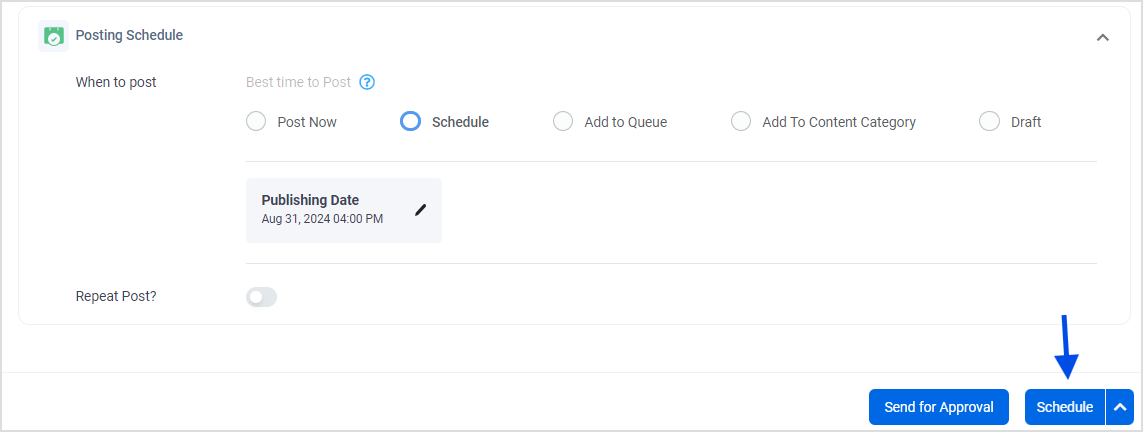
After customizing your content, click on the Schedule button.
Choose the date and time for each platform, or select “Custom Time” if you want.
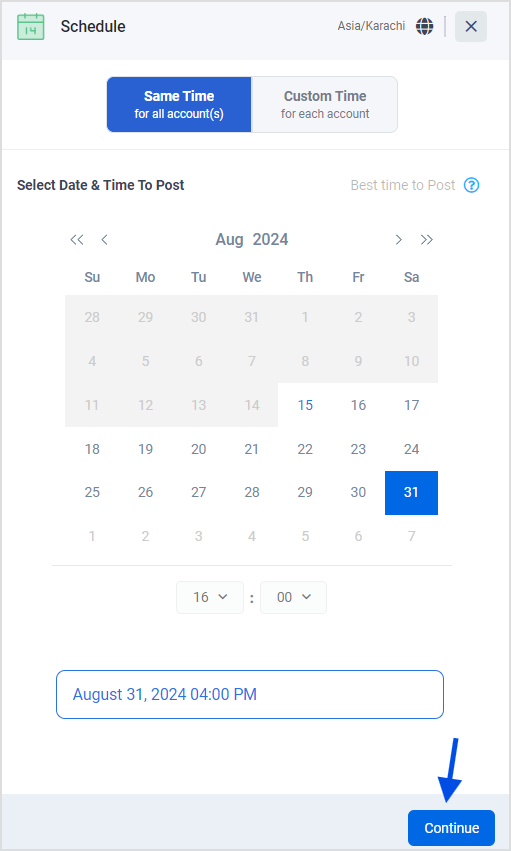
Once happy with the post, finalize your scheduling.
To edit scheduled posts in ContentStudio’s, navigate to the “Planner”, select the post, and adjust media, captions, hashtags, and scheduling details as needed.
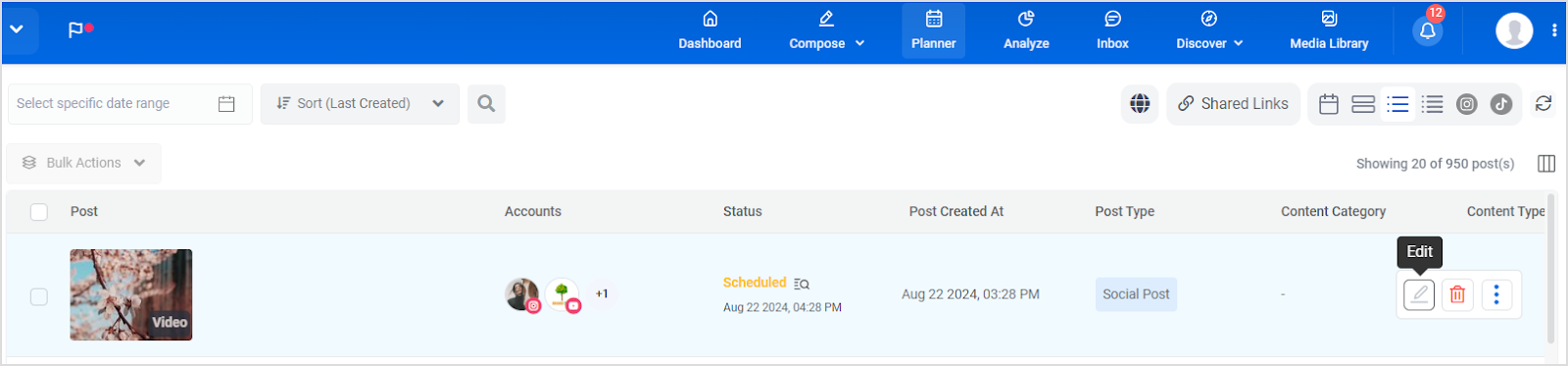
Use the Preview feature to review changes and click Save Changes to apply updates.
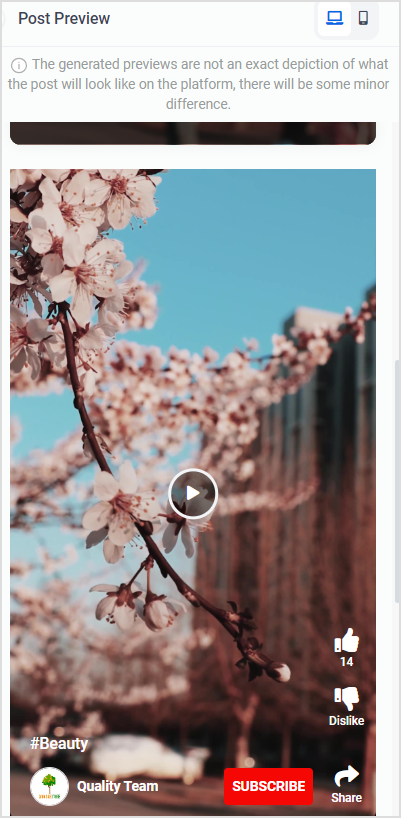
This allows you to refine and optimize your content before it goes live.
Read up: How to schedule Reels to multiple Instagram accounts
Following the steps outlined above, you can efficiently schedule your Reels, TikToks, and Shorts, ensuring consistent and timely content delivery.
Not only does this boost your engagement, but it also helps you maintain a strong online presence across all major platforms.
Start using ContentStudio today to streamline your short-form video strategy and focus on what really matters—creating engaging content that resonates with your audience.
How do I create engaging content for Reels, TikToks, and Shorts?
Focus on trends, use high-quality visuals, keep content concise, and incorporate popular music and hashtags to boost engagement.
What are the best practices for optimizing video content for each platform?
How often should I post Reels, TikToks, and Shorts?
Maintain a consistent posting schedule. Aim for 2-3 times a week for each platform, but adjust based on audience engagement and platform trends.
How can I measure the success of my short-form video content?
Track metrics such as views, likes, shares, comments, and watch time. Use platform analytics tools to assess performance and refine your strategy.
Plan 0 Days of Content in 0 Minutes
Create, schedule, publish and analyze your content across all your social media channels from one simple dashboard.
4.7 on Capterra • 16,500+ marketers trust ContentStudio
Areesha Khan is a Product Education Writer at ContentStudio specializing in social media scheduling and publishing. Her step-by-step guides cover scheduling Reels, carousels, and Shorts across multiple Instagram, Facebook, and YouTube accounts, plus repeat posting and LinkedIn scheduling, and she reviews how-to content for step-by-step accuracy so every workflow reflects how ContentStudio actually works.
View all posts by Areesha KhanRecommended for you
How to build an executive’s LinkedIn content workflow with Claude Code

How to turn one product photo into 5 video Ads with Claude Code
Social media MCP server: How to automate posting with ContentStudio
How to automate social media with n8n: A practical guide