Bluesky marketing 101: Custom feeds, starter packs, and growth
Nov 11, 202626 minutes
Black Friday: save up to 50% on all plans

Written by
Wasiq NaeemUpdated
The best Instagram tools in 2026 are the ones that cover five jobs: planning and scheduling, Reels editing, design, analytics, and growth (hashtags, influencers, ads, and links). For most teams, that means one scheduler with built-in analytics (like ContentStudio), Meta’s own free apps (Edits, Business Suite, Ads Manager), and one design tool (Canva).
Below are 22 tools grouped by the job they do, with what each one is good at, who it suits, and whether there’s a free option. Use the comparison table to find the right tool fast, or jump to the section you need.
Instagram reported 3 billion monthly active users in September 2025, according to Meta. Reach at that scale is still there. What changed is how you earn it.
Three platform shifts matter most for your tools:
| Job | Tool | Best for | Free option |
|---|---|---|---|
| Scheduling + analytics | ContentStudio | Teams and agencies managing multiple accounts | Free trial |
| Scheduling | Meta Business Suite | Single accounts on a zero budget | Free |
| Scheduling | Later | Visual grid planning | Free plan |
| Reels editing | Edits by Instagram | Native Reels editing | Free |
| Reels editing | CapCut | Templates and auto-captions | Free plan |
| Reels editing | Adobe Premiere (mobile) | Pro-level mobile edits | Free |
| Captions | Submagic | Animated subtitles | Free trial |
| Design | Canva | All-purpose graphics and carousels | Free plan |
| Design | Adobe Express | Brand kits and quick edits | Free plan |
| Photo editing | Lightroom Mobile | Color grading and presets | Free plan |
| Photo editing | Snapseed | Free precision edits | Free |
| Photo editing | VSCO | Film-style filters | Free plan |
| Analytics | Instagram Insights | Native account data | Free |
| Analytics | Iconosquare | Deep analytics and benchmarks | Free trial |
| Listening | Mentionlytics | Brand mentions and sentiment | Free trial |
| Hashtags | Flick | Hashtag research | Free trial |
| Influencers | Modash | Creator search and vetting | Free trial |
| Influencers | Instagram Creator Marketplace | Native creator partnerships | Free |
| Ads | Meta Ads Manager | Running Instagram ads | Free (pay for ads) |
| Ads | Meta Ad Library | Competitor ad research | Free |
| Link in bio | Replug | Branded link-in-bio pages with tracking | Free trial |
| Engagement | ManyChat | DM automation | Free plan |
A scheduler is the center of your stack. Pick one that publishes Reels, carousels, and Stories directly, not one that only sends phone reminders.
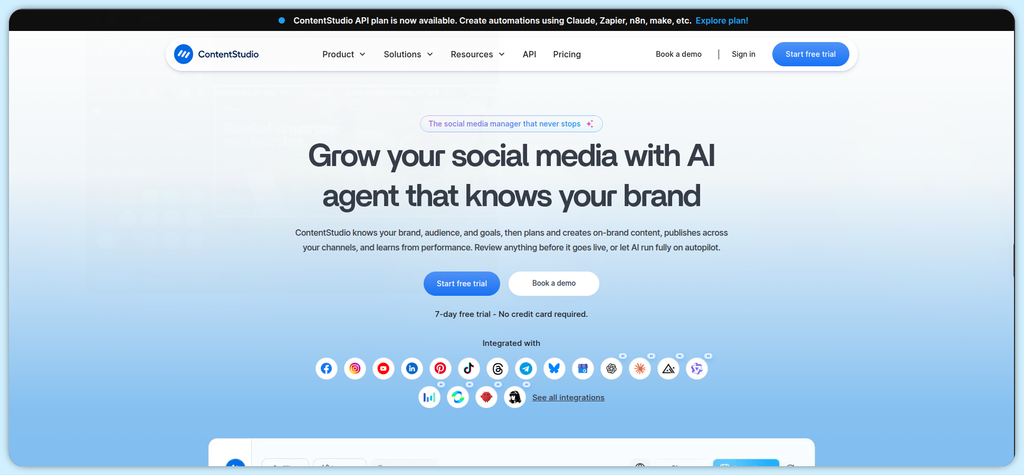
ContentStudio is a social media management platform that plans, creates, schedules, and reports on Instagram content in one place. Its Instagram scheduler works alongside Facebook, LinkedIn, TikTok, YouTube, X, Pinterest, Threads, and more.
What it does well for Instagram:
Best for: Agencies and in-house teams running several Instagram accounts, plus solo creators. See ContentStudio for creators. Pricing: Paid plans with a free trial. See ContentStudio pricing.
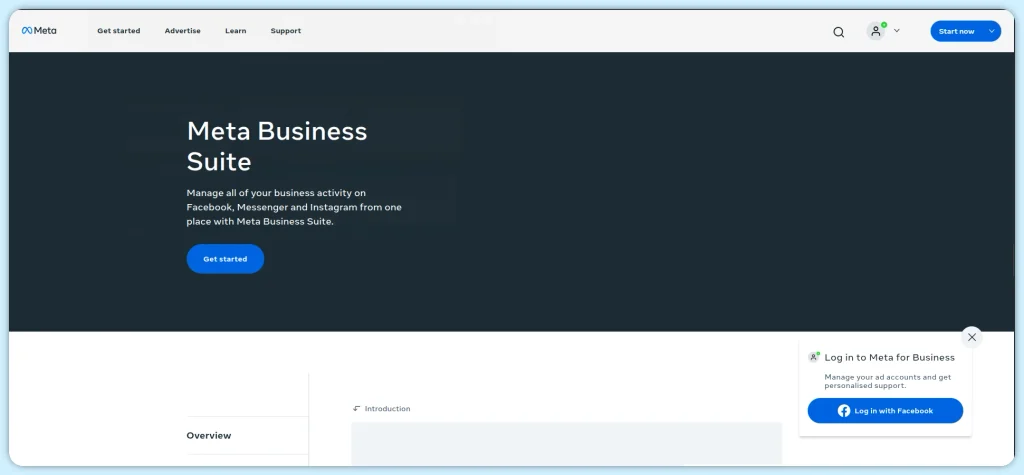
Meta Business Suite is Meta’s free dashboard for scheduling Facebook and Instagram posts, Reels, and Stories, with a shared inbox and basic insights.
It is the right starting point if you manage one brand and only care about Meta’s apps. The trade-off: no other platforms, limited team workflow, and analytics that stop at the basics.
Best for: Solo marketers and small businesses on a zero budget. Pricing: Free.
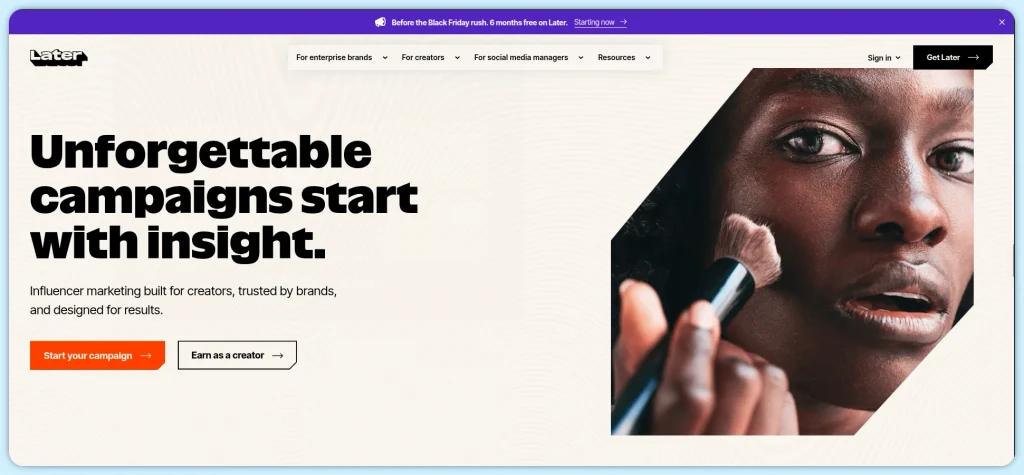
Later is a social media scheduler built around a visual Instagram grid preview, which made it popular with brands that care about feed aesthetics.
It also includes a link-in-bio page (Linkin.bio) and an influencer marketing product after Later acquired Mavrck.
Best for: Visual brands and ecommerce shops. Pricing: Free plan with limits; paid plans by social set.
Reels drive most discovery on Instagram, so this is where to spend editing time.
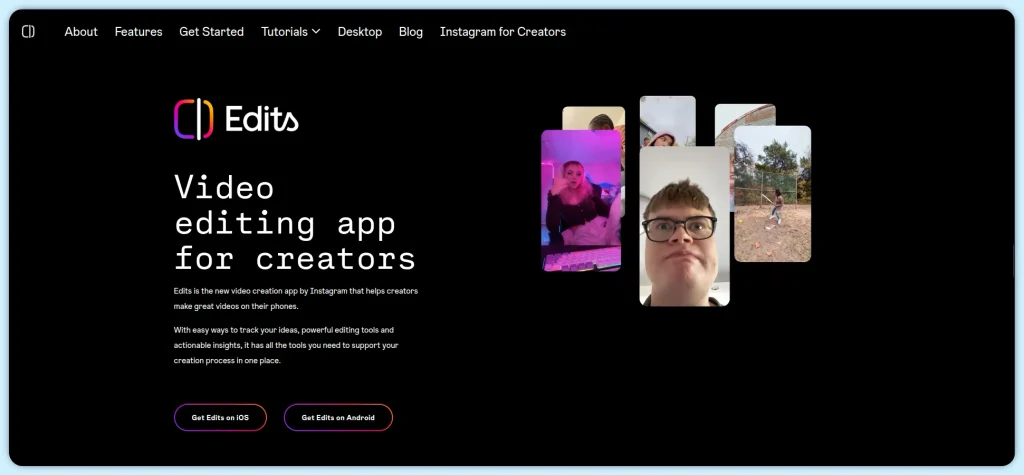
Edits is Instagram’s free video editing app, built specifically for making Reels. Meta launched it in 2025 as a direct answer to CapCut.
Key features include frame-accurate trimming, auto-captions, green screen, AI-powered animation, a library of fonts and music, and high-quality export with no watermark. It also lets you share drafts for feedback and shows performance insights for your Reels inside the app.
Best for: Anyone making Reels who wants a free editor with no watermark. Pricing: Free.
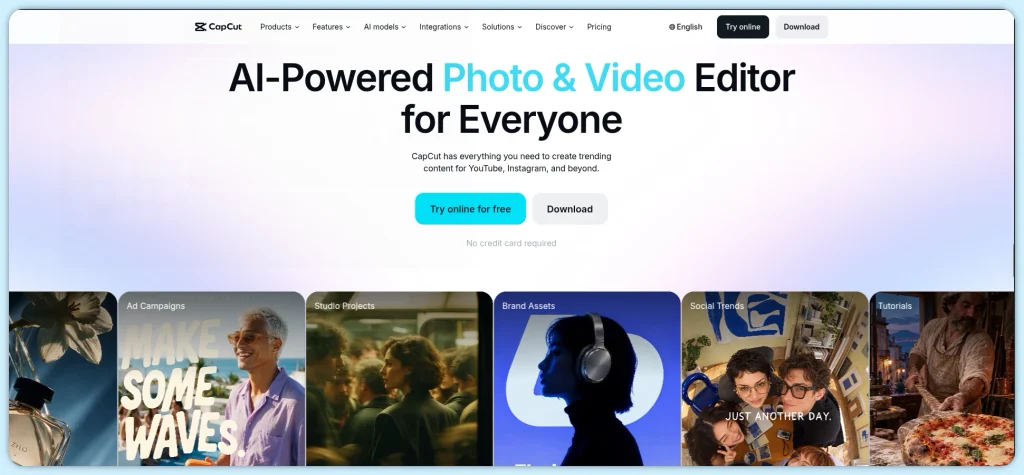
CapCut is a mobile and desktop video editor known for trending templates, auto-captions, and AI effects.
Template-driven editing is still its biggest advantage. If you want to jump on a trend in minutes, CapCut’s library is hard to beat. Some advanced features sit behind CapCut Pro.
Best for: Fast, template-based Reels. Pricing: Free plan; paid Pro plan.
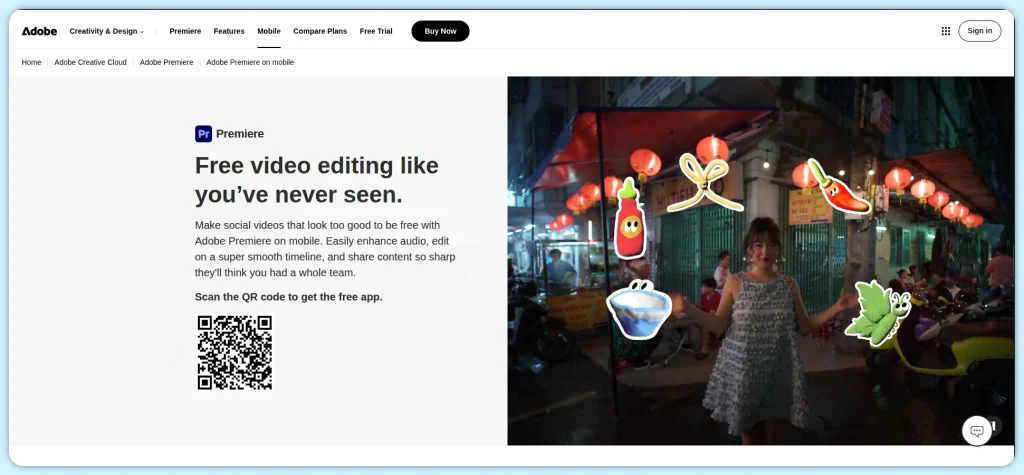
Adobe Premiere for iPhone is Adobe’s free mobile video editor, launched in 2025 to replace the retired Premiere Rush.
It offers a multitrack timeline, 4K HDR export, generative sound effects, and no watermark. It fits teams already working in Adobe Creative Cloud.
Best for: Marketers who want desktop-level control on a phone. Pricing: Free core app; extra generative credits with paid plans.
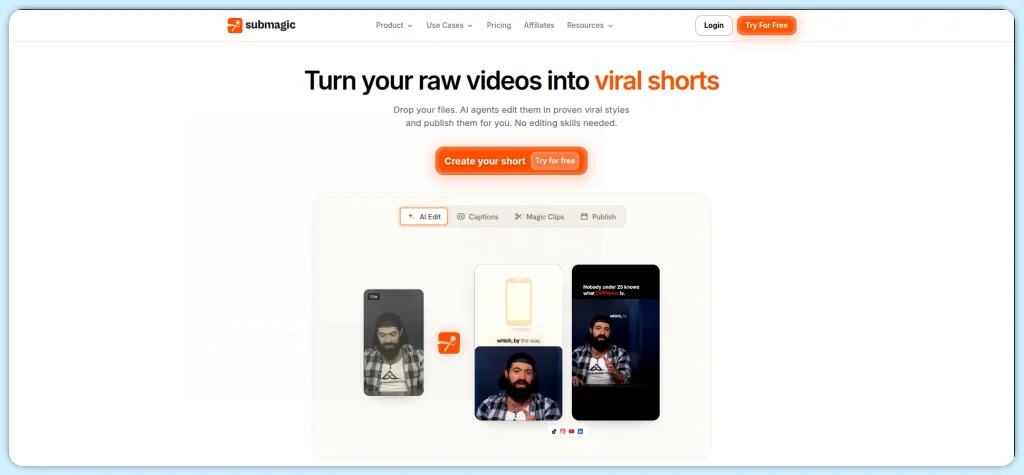
Submagic is an AI captioning tool that adds animated, styled subtitles to short-form video.
Many people watch Reels with the sound off, so readable captions keep viewers around. Submagic also adds emojis, B-roll suggestions, and auto-zoom. Edits and CapCut handle basic captions; Submagic is for when you want the polished, high-retention look.
Best for: Talking-head Reels and creator-style content. Pricing: Paid plans with a free trial.
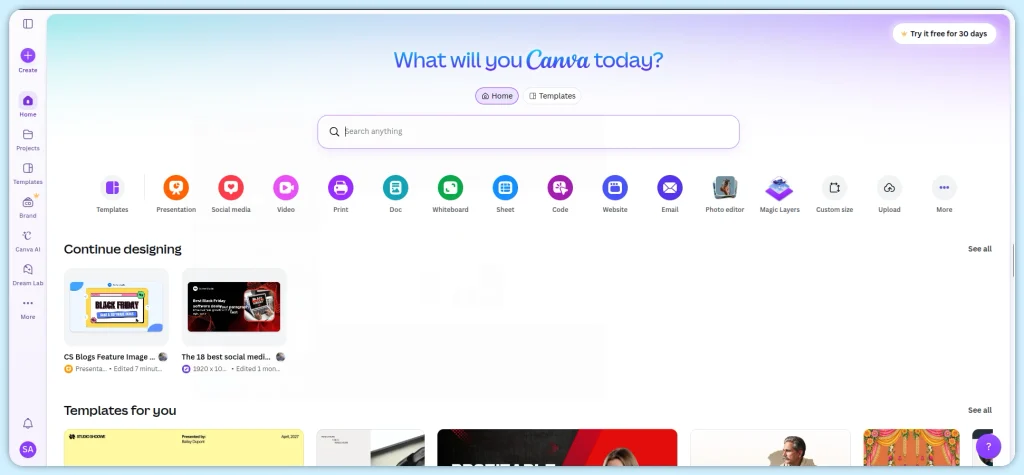
Canva is a browser and mobile design tool with thousands of Instagram templates for posts, carousels, Stories, and Reels covers.
Brand Kits keep colors and fonts consistent across a team. Magic Studio adds AI features like background removal, Magic Resize, and text-to-image. Canva also connects with ContentStudio, so you can design and schedule without downloading files.
Best for: Almost every Instagram marketer. Pricing: Free plan; Canva Pro and Teams plans.
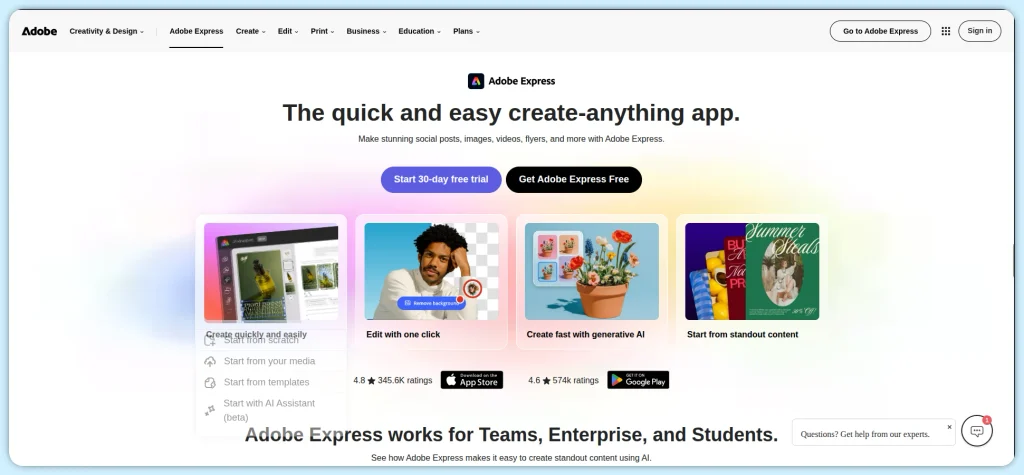
Adobe Express is Adobe’s quick-design app for social graphics, short videos, and brand assets, with Firefly generative AI built in.
It is a solid Canva alternative, especially for teams that want direct access to Adobe Fonts and Adobe Stock.
Best for: Teams already in the Adobe ecosystem. Pricing: Free plan; Premium plan.
Lightroom Mobile is Adobe’s photo editor for color grading, presets, and AI masking.
Saving your edits as presets is the easiest way to get a consistent feed. Generative Remove can delete distracting objects in a tap.
Best for: Product, lifestyle, and travel photography. Pricing: Free plan; premium features with Lightroom subscription.
Snapseed is Google’s free photo editor with precise tools like selective adjust, healing, and curves.
No ads, no subscription, and no watermark. It covers most edits a social photo needs.
Best for: Free, detailed edits on mobile. Pricing: Free.
VSCO is a photo and video editing app known for film-inspired presets.
Its filters give images a recognizable, consistent look. VSCO Pro unlocks the full preset library and advanced editing.
Best for: Brands with a moody, editorial aesthetic. Pricing: Free plan; VSCO Pro.
Instagram Insights is the free analytics dashboard built into every professional (business or creator) account.
It shows views, reach, interactions, follower growth, and audience demographics. In 2024, Instagram made views the primary metric across Reels, Stories, and posts. Check the “skip rate” on Reels to see if your first seconds hold attention.
Best for: Quick, native performance checks. Pricing: Free.
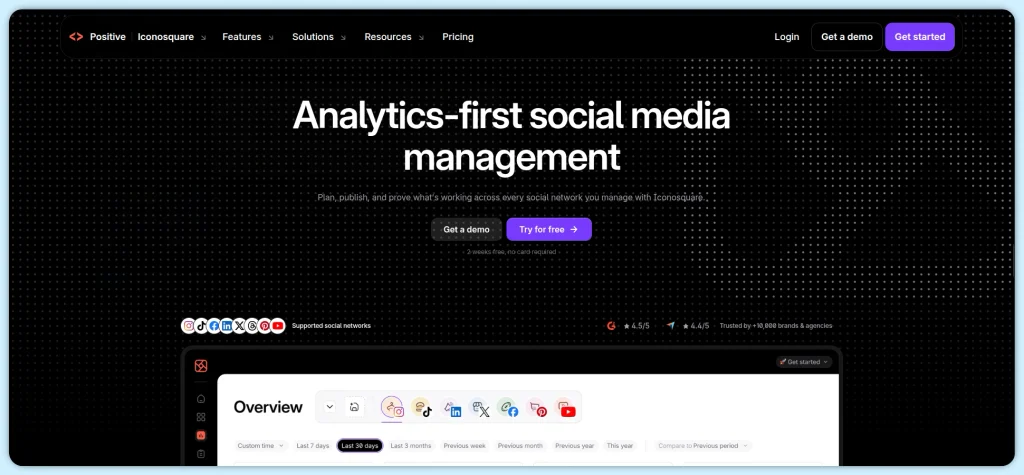
Iconosquare is a social media analytics and management tool with detailed Instagram reporting and industry benchmarks.
It tracks historical data that Insights doesn’t keep, compares you to competitors, and builds scheduled reports.
Best for: Brands that want deeper analytics than Insights. Pricing: Paid plans with a free trial.
Mentionlytics is a social listening tool that tracks brand mentions, keywords, and sentiment across social media and the web.
Use it to catch untagged mentions, spot complaints early, and watch how people talk about competitors.
Best for: Brand monitoring and reputation management. Pricing: Paid plans with a free trial.
Hashtags now help Instagram understand what a post is about. They won’t save a weak post. Use a few accurate ones and put more effort into keywords in your caption, since Instagram search reads captions too.
Flick is a hashtag research and social media tool that scores hashtags by competition and relevance.
It helps you choose a short, focused set of tags instead of a block of 30. It also includes AI caption help and analytics.
Best for: Picking a handful of relevant hashtags. Pricing: Paid plans with a free trial.
Tip: ContentStudio’s AI Writing Assistant also suggests hashtags while you write captions, so you may not need a separate tool.
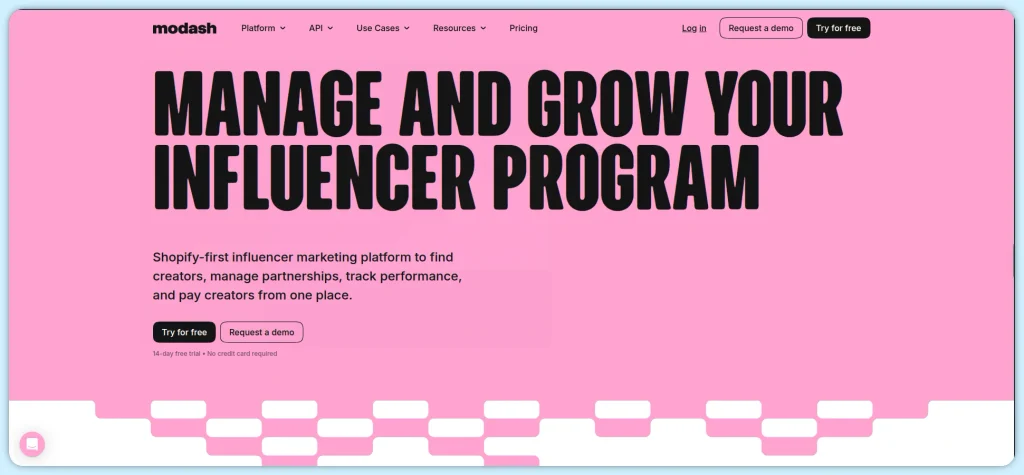
Modash is an influencer discovery platform that lets you search and filter creators on Instagram, TikTok, and YouTube by audience data.
You can filter by location, follower count, engagement rate, and audience demographics, plus check for fake followers before you reach out.
Best for: Brands running regular creator campaigns. Pricing: Paid plans with a free trial.
Instagram Creator Marketplace is Meta’s free, built-in tool for brands to find creators and send partnership offers.
It works inside the Instagram app and Meta Business Suite. Brands can then boost creator content as Partnership Ads.
Best for: Brands that want native, low-cost creator partnerships. Pricing: Free.
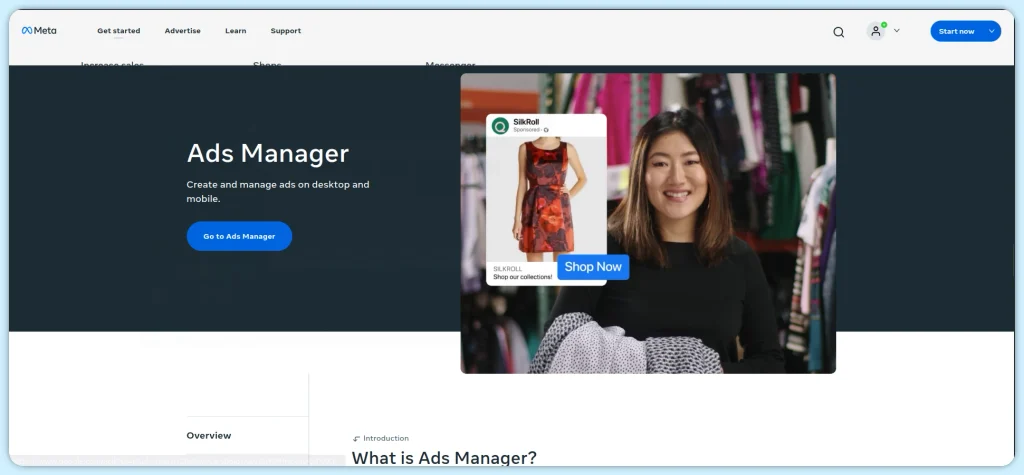
Meta Ads Manager is where you create, target, and measure ads across Instagram, Facebook, Messenger, and Threads.
Advantage+ campaigns use Meta’s AI to automate targeting, placements, and creative variations. Instagram placements include Feed, Stories, Reels, Explore, and search results.
Best for: Any brand running paid campaigns on Instagram. Pricing: Free to use; you pay for ad spend.
Meta Ad Library is a free, public database of every active ad running across Meta’s apps.
Search any competitor to see their current Instagram ads, formats, and messaging. It’s the cheapest creative research you’ll ever do.
Best for: Competitor research and creative inspiration. Pricing: Free.
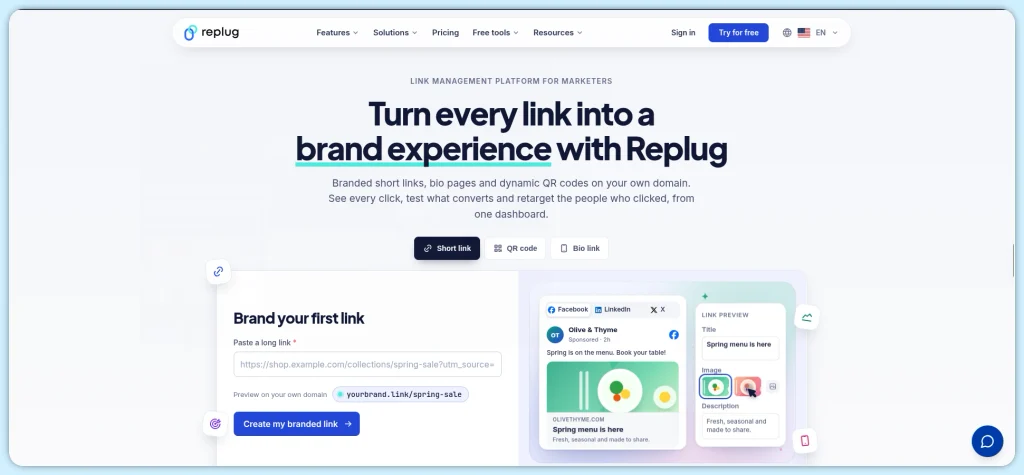
Replug is a link management tool for branded short links, link-in-bio pages, and click tracking.
Instagram allows up to five links in your bio, but a bio page still gives you more control over layout and tracking. Replug adds retargeting pixels, UTM tracking, and custom domains, so every click can feed your ad audiences.
Best for: Marketers who want to track and retarget bio traffic. Pricing: Paid plans with a free trial.
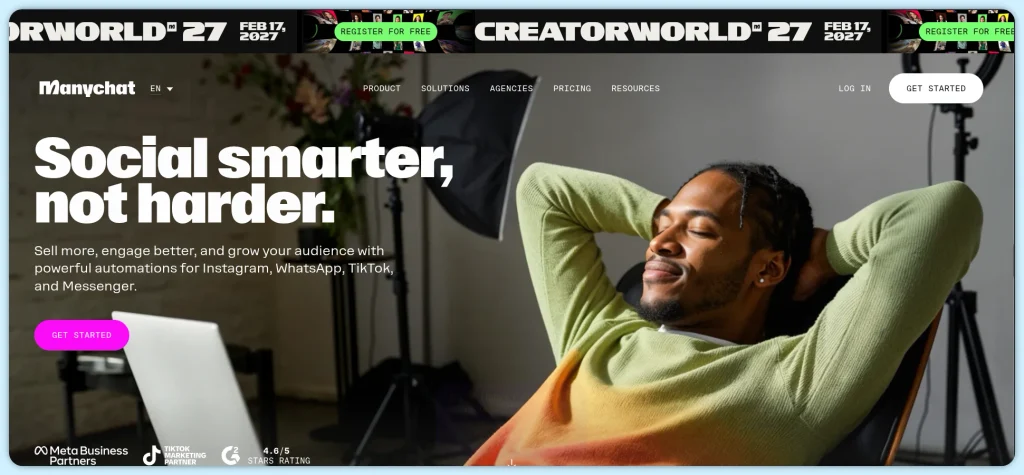
ManyChat is an automation tool for Instagram DMs that replies to comments, keywords, and Story replies automatically.
The classic use: “Comment GUIDE and I’ll DM you the link.” ManyChat is an official Meta Business Partner, so it uses Instagram’s approved messaging API.
Best for: Lead generation and sending links in DMs. Pricing: Free plan; Pro plan.
| Tool | Why it’s gone |
|---|---|
| Boomerang | Instagram removed the standalone app; the effect lives inside the camera |
| Adobe Premiere Rush | Retired by Adobe; replaced by Premiere mobile |
| Display Purposes | Shut down |
| TapInfluence, Ifluenz, Phlanx | Discontinued, merged, or no longer competitive |
| Repost apps | Instagram now supports native resharing and Collabs |
| Yellow Duck, Big Vu, Preview, Prequel, Instasize | Niche or replaced by better free options |
| MetaHashtags, Keyhole, ShortStack | Overlap with tools above or less relevant after hashtag changes |
| Instagram font generators | Hurt accessibility for screen readers; use Edits or Canva text instead |
Don’t sign up for 22 tools. Start with what you need for each job.
Solo creator or small business (free): Meta Business Suite + Edits + Canva + Instagram Insights. When you outgrow it, a creator-focused social media management tool adds multi-platform scheduling and analytics.
Repurposing long videos: Use ContentStudio’s clip maker to cut podcasts or webinars into Reels, then schedule them with the Instagram scheduler.
Growing brand: ContentStudio + Edits or CapCut + Canva + Replug + ManyChat.
Agency managing clients: ContentStudio (scheduling, approvals, inbox, white-label reports) + Canva Teams + Iconosquare or Mentionlytics + Modash.
A good rule: if a tool doesn’t save you an hour a week or bring in measurable results, cut it.
Meta Business Suite is the best free scheduler, and Edits is the best free Reels editor. Pair them with Canva’s free plan, and you have a full stack at zero cost.
Yes. ContentStudio, Meta Business Suite, and Later can publish Reels, carousels, and Stories directly through Instagram’s official API, with no phone notification required.
Less than before. Instagram now limits how many hashtags a post can use and treats them as topic labels. Use a few accurate tags and focus on caption keywords and shareable content.
Both are free mobile video editors. Edits is made by Instagram, exports without a watermark, and connects to your Reels insights. CapCut has a larger template library and a desktop app.
Most teams need four to six: a scheduler with analytics, a video editor, a design tool, and one or two growth tools such as link in bio or DM automation.
Wasiq Naeem is a Senior Content Strategist at ContentStudio and a research-driven content and digital marketing veteran. He writes on social media strategy, analytics, audience growth, and competitor analysis, covering topics like best posting times and competitor mapping. As a senior editor, he also reviews and fact-checks articles for depth and accuracy.
View all posts by Wasiq NaeemRecommended for you
Bluesky marketing 101: Custom feeds, starter packs, and growth
SocialPilot pricing 2026: What a team really pays beyond the starting price
Planable pricing 2026: What a team really pays beyond the per-workspace price

Agorapulse pricing 2026: What a team really pays beyond the per-user price


Plan, create and publish to 12 social channels
Up to 50% off on every plan
Offer ends in:
 Claim your deal
Managing social media doesn't get cheaper than this