CFBR

What is the meaning of CFBR?
CFBR stands for "Comment For Better Reach." It is a strategic social media practice where users and creators encourage followers to leave comments to boost a post's visibility. This technique has become particularly prevalent on professional networking platforms like LinkedIn and social media giants like Facebook, where engagement plays a crucial role in content distribution.
Historical context
The CFBR strategy emerged during the tech industry layoffs of late 2022, when job seekers began utilizing it to increase their posts' visibility. This grassroots movement demonstrated how social media users could harness algorithmic behaviors to create meaningful opportunities during challenging times.
The mechanics behind CFBR
Social media algorithms prioritize content with high engagement levels in users' feeds. When someone comments on a post, that action increases the likelihood of the content appearing in their followers' feeds, making CFBR an effective strategy for expanding reach.
How CFBR works in practice
The implementation of CFBR varies across different social media platforms, but the core principle remains consistent: meaningful engagement drives increased visibility and reach.
Platform-specific dynamics
Each major social platform handles engagement differently, affecting how CFBR should be implemented. Understanding these distinctions helps users maximize the effectiveness of their engagement strategy.
- LinkedIn emphasizes professional interactions and industry-relevant discussions.
- Facebook prioritizes meaningful conversations and community engagement
- Comments influence both immediate and extended network visibility
- Algorithm preferences favor authentic interactions over simple acknowledgments
Engagement patterns
Success with CFBR depends on understanding key patterns and timing of engagement. Users who master these elements often see significantly better results in terms of reach and visibility.
- Timing of comments affects the initial visibility boost
- Quality of engagement influences sustained reach
- Network size and activity level impact potential distribution
- Algorithm preferences for authentic interactions matter
Benefits of implementing CFBR
When used strategically, CFBR offers numerous advantages for individuals and businesses looking to enhance their social media presence and professional networking capabilities.
Primary advantages
Implementing CFBR helps increase content visibility and engagement across social platforms. Users can expect increased post reach, higher engagement rates, and improved network growth through the consistent application of this strategy.
- Increased content visibility across broader audiences
- Enhanced networking opportunities through active participation
- Improved personal or brand credibility through consistent engagement
- Better reach for important announcements or opportunities
- Higher likelihood of attracting potential employers or clients
Professional benefits
Beyond basic visibility metrics, CFBR can significantly impact your professional growth and career development. The strategy helps build authority in your field while creating valuable connections.
- Strengthened professional relationships through meaningful interactions
- Increased thought leadership opportunities
- Enhanced recruitment visibility for job postings
- Broader network exposure for career opportunities
- Improved personal brand recognition, especially on LinkedIn.
Best practices for CFBR
Effective implementation of CFBR requires a thoughtful approach that balances visibility goals with authentic engagement.
Creating meaningful engagement
Instead of simply commenting "CFBR," users should focus on adding value to conversations. This approach helps build credibility while maintaining professional relationships.
- Share relevant personal experiences or insights
- Ask thoughtful questions that encourage discussion
- Provide additional valuable information or resources
- Connect ideas to broader industry trends or challenges
Strategic implementation
Successful CFBR requires a balanced approach that combines timing, relevance, and authenticity. Focus on creating genuine interactions that benefit both parties.
- Target engagement with influential accounts in your industry
- Maintain consistent participation in relevant discussions
- Focus on building genuine relationships through comments
- Combine CFBR with other engagement strategies
Common pitfalls to avoid
Understanding potential risks helps users maintain professionalism while implementing CFBR strategies.
Potential risks
Over-aggressive or inauthentic use of CFBR can damage professional relationships and reputation. Being aware of these risks helps maintain credibility.
- Appearing inauthentic through overuse of basic CFBR comments
- Diluting professional reputation with spam-like behavior
- Focusing too much on quantity over quality of engagement
- Neglecting to build genuine connections
Balance and authenticity
Maintaining professionalism while using CFBR requires careful attention to both quality and quantity of engagement.
- Vary your engagement approaches
- Ensure comments add value to discussions
- Build authentic relationships with your network
- Focus on quality over quantity in your interactions
Measuring success
Tracking the effectiveness of your CFBR strategy helps optimize future engagement efforts.
Key performance indicators
Regular monitoring of specific metrics helps gauge the success of CFBR implementation and guides strategy adjustments.
- Post reach and visibility statistics
- Engagement rates and patterns
- Network growth and quality
- Professional opportunity generation
- Relationship development progress
Analysis and adjustment
Regular assessment of CFBR effectiveness allows for timely strategy adjustments and improved results.
- Monitor engagement quality
- Evaluate network growth patterns
- Measure professional impact
- Adjust strategies based on results
Conclusion
CFBR has evolved from a simple engagement tactic into a sophisticated strategy for professional networking and content visibility. When used thoughtfully and authentically, it serves as a powerful tool for building professional presence, expanding reach, and creating meaningful connections across social media platforms. Success comes from balancing technical engagement with genuine, valuable interactions that benefit all participants in the conversation.
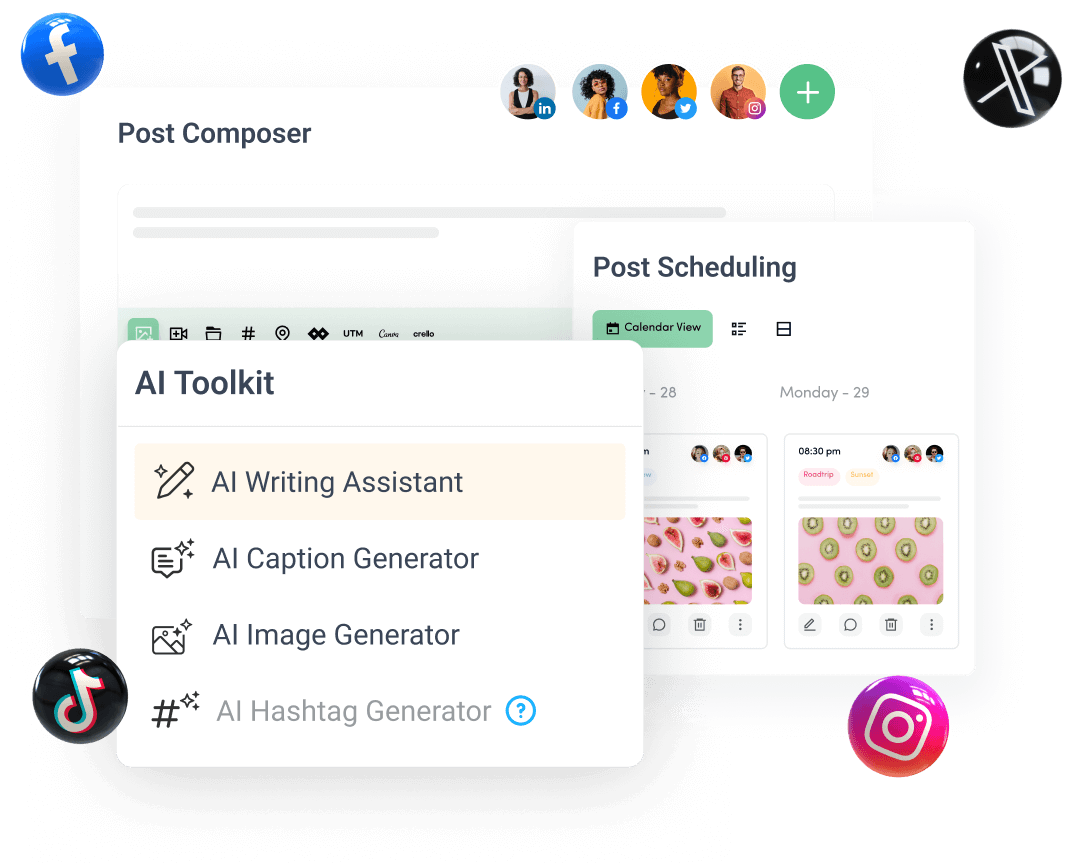
Create, plan, schedule, and publish posts on all social media networks