FBF (Flashback Friday)

What does FBF mean?
FBF stands for "Flashback Friday," a popular social media trend where users share nostalgic content, memories, or photographs from their past on Fridays.
This trend gives people a weekly opportunity to reminisce about good times, showcase personal growth, or simply connect with their audience through shared experiences.
Similar to its cousin TBT (Throwback Thursday), FBF has become a staple hashtag that helps organize content and boost engagement on social platforms.
Beyond its primary meaning, FBF can sometimes refer to "Facebook Friend" or, in fitness communities, "Full Body Friday" (referring to full-body workout routines). However, the Flashback Friday definition remains the most widely recognized across social media platforms.
Origin and evolution of FBF
FBF emerged as a natural extension of the wildly popular TBT (Throwback Thursday) hashtag.
As social media engagement became increasingly important for both personal and business accounts, having designated days for specific content types helped create consistency and community participation.
The trend gained momentum around 2011-2013 as Instagram grew in popularity, giving users another opportunity to share nostalgic content if they missed Thursday's throwback window.
What started as a simple hashtag has evolved into a cultural phenomenon that spans across multiple social platforms and has even influenced how we organize and share memories digitally.
FBF has continued to evolve with changing platform features. For example:
- On Instagram, FBF posts often appear in carousels showing multiple throwback images
- On TikTok, creators use FBF to resurface old trends or show personal transformations
- On Facebook, the platform's "Memories" feature complements FBF by surfacing past content
- On Twitter/X, the brevity of posts means FBF often accompanies quick snapshots of past moments
The staying power of FBF demonstrates how simple organizing principles can become embedded in digital culture and provide structure to our online sharing habits.
How to use FBF on different social media platforms?
Using FBF effectively varies slightly across different social media platforms. Here's how to leverage this hashtag on each major platform:
Instagram remains the epicenter of FBF activity with over millions of posts using the hashtag.
To use FBF on Instagram:
- Post nostalgic photos or videos on Fridays
- Include #FBF in your caption, preferably near the beginning
- Add context about the memory to encourage comments
- Consider using Instagram carousel posts to show multiple throwback images
- Pair with other relevant hashtags to increase discovery
Instagram's algorithm tends to favor content that generates meaningful interactions, so FBF posts that evoke emotion or start conversations perform particularly well. Using ContentStudio's Instagram scheduler can help you plan these posts in advance and publish them at optimal times for engagement.
On Facebook, FBF takes on a more personal tone, often used to share significant memories with closer connections:
- Share older photos on Fridays, especially group photos that might tag multiple friends
- Use #FBF or spell out "Flashback Friday" in your caption
- Take advantage of Facebook's Memories feature, which often resurfaces content that would make perfect FBF material
- Consider creating themed FBF posts (childhood, vacations, milestones) to create consistency
Facebook's focus on personal connections makes FBF posts excellent for deepening relationships with your existing audience rather than primarily gaining new followers.
Twitter/X
On Twitter, FBF needs to be concise but impactful:
- Keep your memory description brief but meaningful
- Include #FBF prominently in your tweet
- Use images whenever possible to increase engagement
- Consider creating threads for related memories if you have more to share
Twitter's fast-paced nature means FBF content has a shorter lifespan, but a well-timed throwback that resonates strongly can earn retweets that give it an entirely new reach. Taking time to plan Facebook posts and Twitter content together in advance ensures you never miss a Friday opportunity across either platform, keeping your throwback strategy consistent and your audience engaged week after week.
TikTok
TikTok has transformed FBF into a more dynamic, video-centric experience:
- Create side-by-side comparisons of past and present
- Show transformations or "how it started vs. how it's going" content
- Use trending sounds paired with throwback footage
- Include #FBF in your caption and in on-screen text
TikTok's algorithm favors creative content, so finding unique angles for your FBF posts can help them gain traction. The platform's emphasis on authenticity also makes raw, unfiltered throwbacks particularly effective.
FBF for personal branding and relationship building
FBF offers powerful opportunities for personal branding and deepening relationships online:
Building a personal connection
Sharing throwback content humanizes your online presence by showcasing your journey, values, and personal history. These glimpses into your past can foster stronger connections with your audience by:
- Revealing your evolution and growth over time
- Showing vulnerability through less-than-perfect moments
- Demonstrating consistency in core values despite external changes
- Highlighting formative experiences that shaped who you are today
The nostalgic nature of FBF content naturally evokes emotional responses, creating stronger engagement and more meaningful interactions than standard posts.
Storytelling opportunities
FBF provides a perfect framework for storytelling that can strengthen your personal brand:
- Create context around significant moments in your journey
- Share the "behind the scenes" of important milestones
- Contrast past situations with current reality to highlight growth
- Use past experiences to reinforce your core message or expertise
Effective storytelling through FBF posts can transform simple nostalgia into powerful brand narratives that resonate with your audience.
Common mistakes to avoid with FBF
Even with a straightforward concept like FBF, there are several pitfalls to avoid:
Overusing the hashtag
While FBF provides a convenient content framework, overreliance can make your profile feel repetitive and unoriginal. Balance throwback content with current updates and forward-looking posts to maintain a dynamic presence. Using a comprehensive social media management tool helps maintain this balance across your content calendar.
Missing context
Posting throwback images without adequate context diminishes their impact. Always provide background information that helps your audience understand the significance of the memory and why you're sharing it now.
Inappropriate content
Not all memories are suitable for public sharing. Avoid throwbacks that might:
- Embarrass others without their consent
- Reveal potentially sensitive information
- Contradict your current brand values or positioning
- Appear tone-deaf to current events or cultural sensitivities
A thoughtful content approval workflow can help filter inappropriate FBF content before it goes live, especially for business accounts with multiple contributors.
Alternative and related hashtags
While FBF has its dedicated following, several related hashtags offer similar opportunities for sharing nostalgic content:
- #TBT (Throwback Thursday): The original and still most popular throwback hashtag
- #WaybackWednesday: For mid-week nostalgia
- #MemoryMonday: Starts the week with reminiscence
- #ThrowbackTuesday: Less common but still used
- #SaturdayNightThrowback: Often used for weekend party memories
- #SundayFunday: Not exclusively for throwbacks but often features nostalgic content
Diversifying your throwback content across these different hashtags can help you reach broader audiences while maintaining content freshness. Social media monitoring tools can help track which hashtag variations perform best with your specific audience.
Key things to know about FBF (Summary)
1. What does FBF mean in texting and chat?
In texting and chat contexts, FBF most commonly means "Flashback Friday," encouraging the sharing of memories. However, it can occasionally refer to "Facebook Friend" or, less commonly, "Full Body Friday" in fitness communities.
2. What does FBF mean in relationships?
In relationship contexts, FBF sometimes refers to "Flashback Friday" posts featuring couples' earlier photos. Less commonly, it might be used as "Former Boyfriend/Girlfriend" in certain conversations, though this usage is not widespread.
3. Is FBF as popular as TBT?
While both hashtags serve similar purposes, TBT (Throwback Thursday) remains more widely used across most platforms. FBF serves as a secondary option that provides another opportunity for sharing nostalgic content.
4. Can businesses effectively use FBF?
Absolutely. Businesses can leverage FBF to showcase company history, highlight product evolution, demonstrate industry expertise through experience, and humanize their brand by sharing team memories.
5. How can I make my FBF posts stand out?
Create distinctive FBF content by telling compelling stories, connecting past events to current contexts, using high-quality visuals (even of old photos), and engaging authentically with your audience about shared nostalgic experiences.
6. Does FBF work on all social media platforms?
Yes, though its implementation varies. The hashtag is most popular on Instagram and Facebook, but can be effective on Twitter/X, TikTok, LinkedIn (for professional throwbacks), and even Pinterest when used appropriately for each platform's unique audience and format.
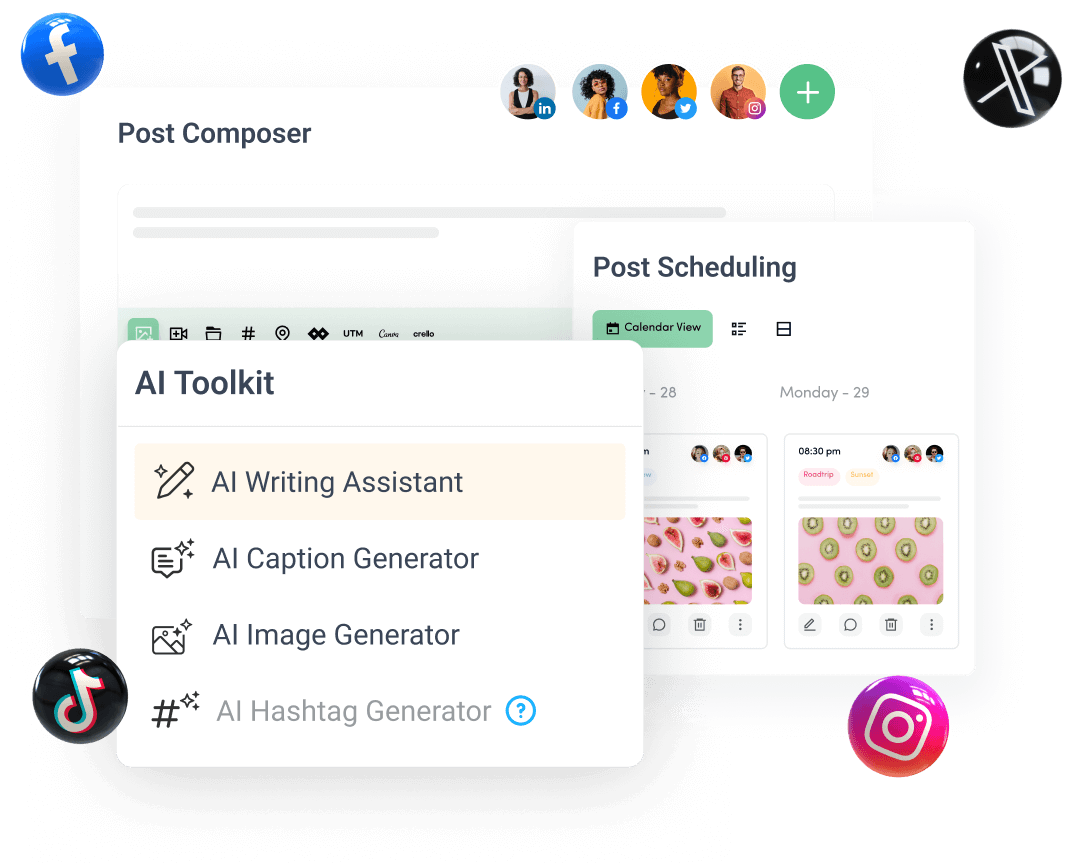
Create, plan, schedule, and publish posts on all social media networks