ContentStudio API plan is now available. Create automations using Claude, Zapier, n8n, make, etc. Explore plan!

ContentStudio
Product

Platform

Publish

Plan and schedule content

AI Studio

AI-generated captions, images

Analyze

Measure social media KPIs

Engage

Social media customer care

Social Listening

New

Follow every conversation

Discover

Manage and read feeds

Top features

Workspaces

Clip maker

Calendar/Planner

Smart scheduling

Content library

White-label

New

AI Library

Bulk scheduling

Approval workflow

Client management

White-label reseller

New

AI video generator

Competitor analytics

Automation

Google Ads Analytics

New

Meta Ads Analytics

New

See all features

right-arrow-icon
contentstudio-tour

ContentStudio overview tour

Discover how ContentStudio simplifies workflows, helps in scaling up and delivers the results you need.

Solutions

By Business Type

For solo creators

For agencies

For small business

For marketing teams

For enterprise

By network

Facebook

Facebook

Instagram

Instagram

X (Twitter)

X (Twitter)

Google Business Profile

Google Business Profile

LinkedIn

LinkedIn

TikTok

TikTok

Bluesky

Bluesky

Meta Threads

Meta Threads

YouTube

YouTube

Pinterest

Pinterest

Telegram

Telegram

CUSTOMER STORYnew-tab-icon

How Webeing scaled client results using smarter workflows with ContentStudio

40%

increase in productivity with ContentStudio

Resources

Info Hub

Blog

Help docs

Glossary

Integrations

Case studies

n8n templates

Free Tools

Facebook video downloader

New

X (Twitter) video downloader

New

AI caption generator

Facebook post generator

LinkedIn video downloader

TikTok hashtag generator

YouTube title generator

TikTok caption generator

X (Twitter) hashtag generator

See All

right-arrow-icon
Video libraryContentStudio academy
video library

Access our complete collection of step-by-step tutorials covering all ContentStudio features.

APIPricing

Book a demo


Sign in

  1. Home
  2. ›Blog
  3. ›Tiktok Marketing
  4. ›How To Add Text To Your Tiktok

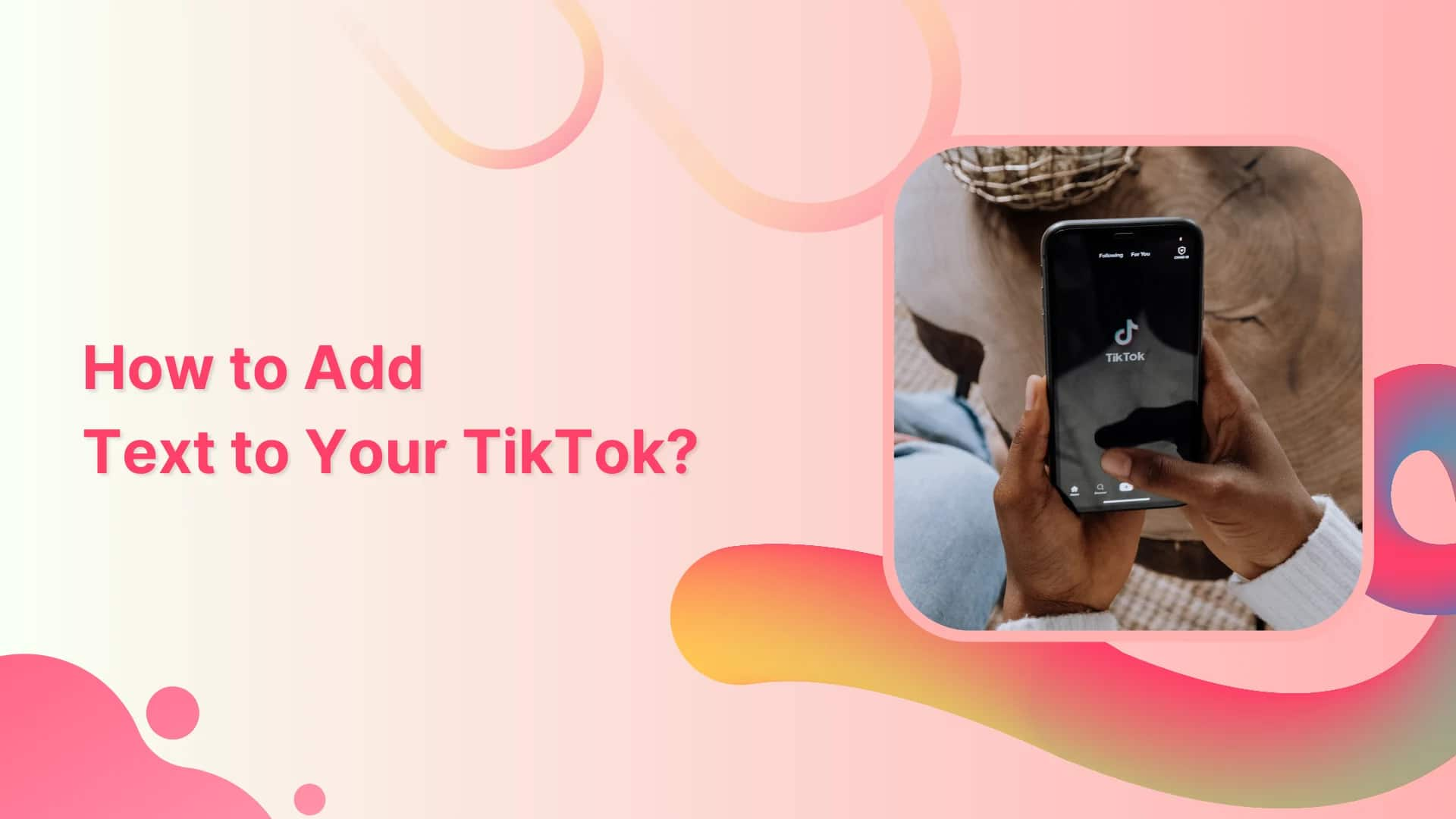
How to Add Text to Your TikTok?

Khadija Anwar

Written by

Khadija Anwar

Updated

Jul 3, 2026
2 minutes

Share this post

X logoLinkedIn logoFacebook logo
ContentStudio Google Preferred Sources badge
How to Add Text to Your TikTok

Certainly, adding text to your TikTok makes content more entertaining for followers. Adding text can encourage viewers to like, comment, and share, leading to higher engagement. If you are missing out on the text to your TikTok, you should try it now!

This help center guide will walk you through simple steps to add text to your TikTiok.

Add Text to Your Tiktok

Step 1:

Record or upload your video from your device’s gallery; tap “Aa Text” at the bottom.

Tap on text

The easiest way to manage and grow your social channels.

Try ContentStudio for FREE
Step 2:

Write down your text. You can also choose fonts & colors. Once you complete adding text, tap on “Done.”

Tap on done

Step 3:

Your video/photo with text is ready to publish; read your text out loud and tap “Next” in the bottom right.

Tap on text
Interesting read: TikTok Hacks

Step 4:

Post your content with text or save it in the draft.

Publish save draft

Experience organized workflow with a unified social media management platform for agencies.

Try ContentStudio for FREE

social media management platform

Why Adding Text to Your TikTok is a Good Idea?

Capturing viewers’ attention: Adding text can help your video stand out and grab the viewers’ attention.

Conveying a message: Sometimes, the video’s message may not be clear from the visuals alone. Adding text can help convey the message and ensure that viewers understand what you’re trying to say.

Adding humor or wit: Adding clever text to your video can enhance its humor or wit, making it more enjoyable and shareable.

Making the video more accessible: Adding text can make your videos more accessible for the hearing impared viewers. It can also help people who speak different languages understand the content.

Driving engagement: Adding text to your video can encourage viewers to engage with the content. The text can prompt viewers to participate in challenges or prompts that you might include in the caption.

Adding text to your TikTok videos can help improve engagement, convey your message more effectively, and make your content more accessible to a wider audience.

FAQs

How do I add text to TikTok at different times?

Navigate to the timeline icon on the right side of the screen and adjust text duration when they show and disappear by dragging & dropping the text overlay.

Can you edit TikToks after posting?

No, you can’t edit after posting. However, you can edit the description.
Can you add text to TikTok after posting?

You can’t add text to the video after posting but can edit the description. However, you can delete the video and re-upload it.
Related Read:
ContentStudio’s TikTok scheduling tool
How to Schedule TikTok Post?
Create Custom Webpage using Bio Link
How To Remove TikTok Filter? (A Complete Guide)

Share this article

X logoXLinkedIn logoLinkedInFacebook logoFacebookWhatsAppRedditEmail
Black Friday

Get Up to 50% Off This Black Friday

Join the waitlist and get early access to our Black Friday deal

Early Access Offer

Unlock up to 50% off before it goes public

No credit card required

★★★★★

4.7 on Capterra • 16,500+ marketers trust ContentStudio

Khadija Anwar

Khadija Anwar

Khadija Anwar is a Senior Technical Writer at ContentStudio with over 500 published write-ups across the ContentStudio blog and beyond. She specializes in step-by-step platform guides and Help Center content across Facebook, Instagram, LinkedIn, YouTube, TikTok, and X, and reviews how-to articles to verify every step and platform detail is accurate and current.

View all posts by Khadija Anwar

Recommended for you

How to choose a social media management tool (2027 guide)

Help Center

How to choose a social media management tool (2027 guide)

Nov 3, 2026
21 minutes
How to build an executive’s LinkedIn content workflow with Claude Code

Help Center

How to build an executive’s LinkedIn content workflow with Claude Code

Oct 5, 2026
15 minutes
How to turn one product photo into 5 video Ads with Claude Code

Help Center

How to turn one product photo into 5 video Ads with Claude Code

Sep 24, 2026
10 minutes
Social media MCP server: How to automate posting with ContentStudio
Help Center

Social media MCP server: How to automate posting with ContentStudio

Sep 22, 2026
8 minutes
CtaBackground
CtaBackground
Facebook
Instagram
Twitter
YouTube
Pinterest
TikTok

Powerful social media management software

Start your free trial
Book a demo

7-day free trial - No credit card required.

diamond-icondiamond-icon

Grow faster on social, every
single week

Get insights, emerging platform trends, AI strategies, and product updates trusted by 100,000+ marketers.

Lawrence Giordano
Thomas Smith
Anthony Garcia
Matt Li Haoming
Angela R.
100,000+ marketers subscribed

ContentStudio

5.3K subscribers

  • •Step-by-step tutorial and how-tos
  • •Product deep dives and launch demos
Subscribe on YouTube

One scheduler for every social network

Social Media Schedulers→
Facebook logoFacebookX (Twitter) logoX (Twitter)Instagram logoInstagramLinkedin logoLinkedinYoutube logoYoutubeTiktok logoTiktokPinterest logoPinterestBluesky logoBlueskyThreads logoThreads

Product

  • Publishing
  • AI Studio
  • Analytics
  • Inbox
  • Social Listening
  • Discover

Features

  • Content Calendar
  • Smart Scheduling
  • Automation
  • Content Composer
  • Approval Workflow
  • AI Library
  • See all features

Developers

  • Integrations
  • API
  • MCP Server
  • ContentStudio CLI
  • Zapier
  • Make
  • n8n

AI Agents

  • ChatGPT
  • Claude
  • Gemini
  • Grok Bot
  • Hermes Agent
  • Cursor
  • Codex
  • OpenClaw

Upgrade from

  • Hootsuite
  • Buffer
  • Sprout Social
  • Sendible
  • Agorapulse
  • Metricool
  • SocialPilot
  • See all

Resources

  • Blog
  • Help Docs
  • Changelog
  • Glossary
  • Free Tools
  • Case Studies
  • Mobile App
  • Chrome Extension

Company

  • About Us
  • Plans & Pricing
  • Reviews
  • Careers
  • Write for Us
  • Affiliate Program
  • Brand Assets
  • Contact Us
contentstudio-logo
Download on the App StoreGet it on Google Play
Facebook iconX (Twitter) iconInstagram iconLinkedIn iconYouTube iconTikTok icon
4.74.7 star rating, 25,000+ reviews on Capterra and G2

16,500+ brands trust ContentStudio

SSL Secured
GDPR Compliant
CCPA Compliant

© 2026 ContentStudio. All Rights Reserved.

Privacy|Terms|GDPR|System status|Security policy|Child safety|Sitemap