Bluesky marketing 101: Custom feeds, starter packs, and growth
Nov 11, 202626 minutes

Written by
Nawal MansoorPublished
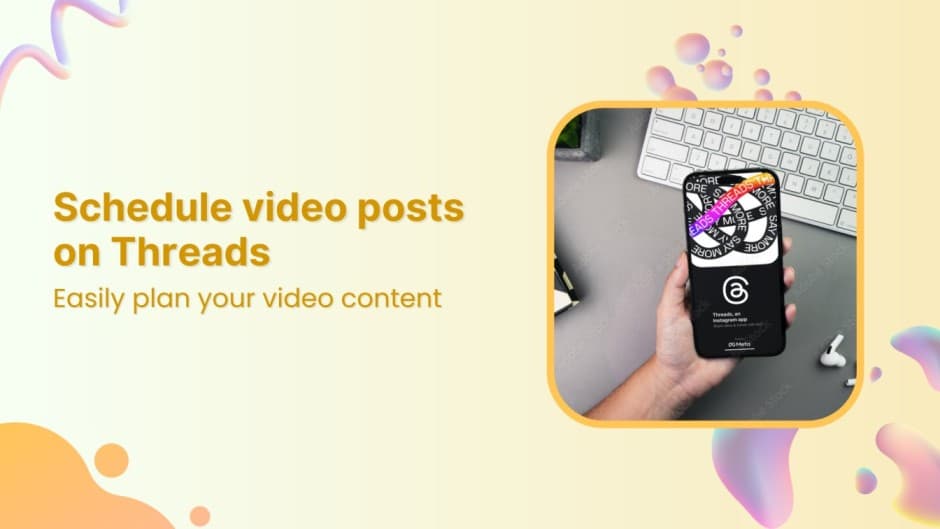
Imagine effortlessly scheduling your video content for Threads at the perfect time, even while you’re sipping your morning coffee or attending to other important tasks.
That’s exactly what ContentStudio enables you to do!
With the rise of video content on platforms like Threads, it’s essential to have a strategy that keeps your posts consistent and impactful.
Scheduling with precision means more engagement and less stress—and ContentStudio is the perfect tool to help you achieve that.
Whether you’re managing a personal brand or multiple client accounts, learning how to schedule video posts efficiently can save you time and energy, allowing you to focus on creating more high-quality content.
Ready to become a scheduling pro? Let’s start!
Instagram Marketing
Schedule your Instagram posts, Reels, and Stories, and get recommended best time to publish for maximum engagement.
Get Started for FREE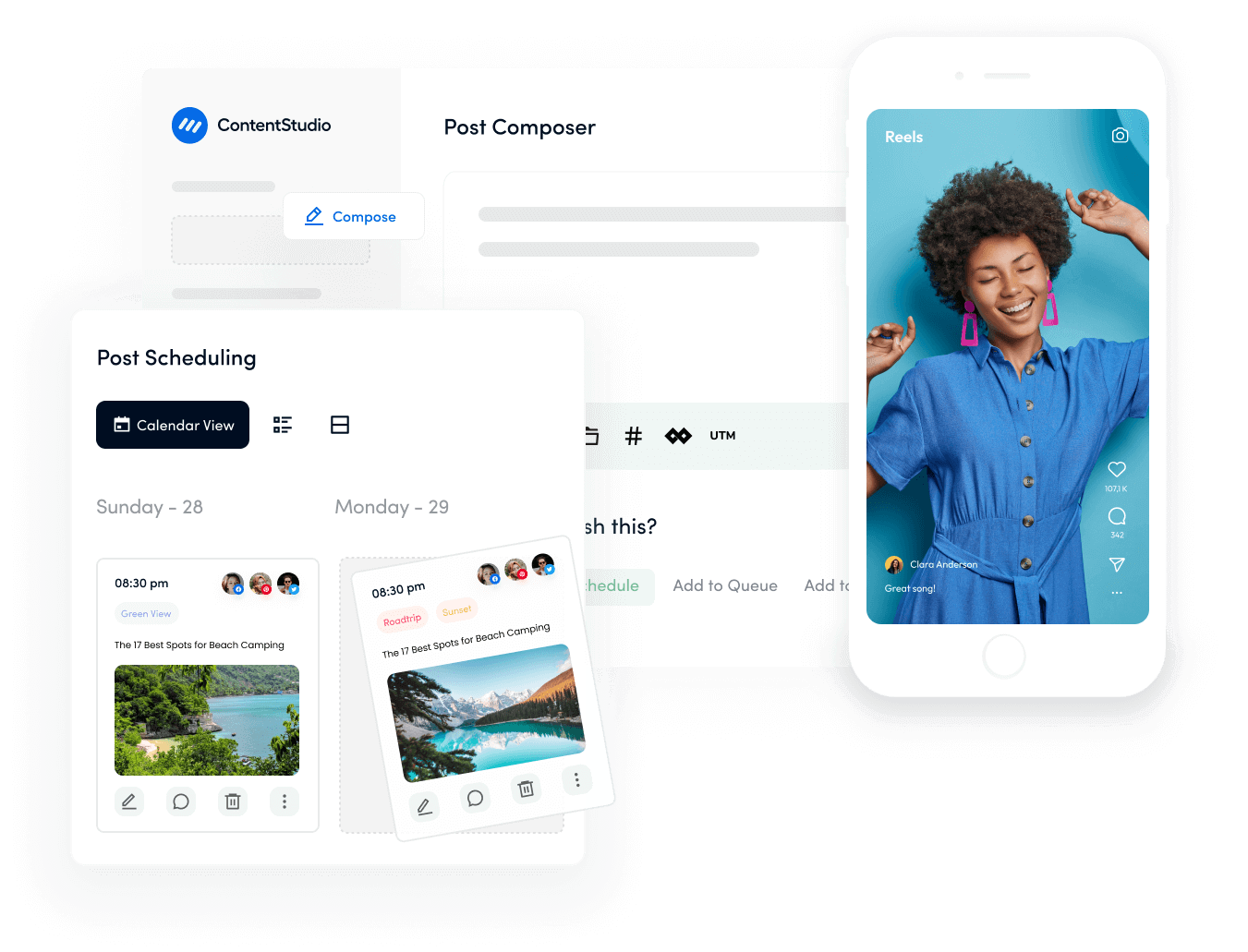
1. Seamless integration & automation
ContentStudio makes it easy to plan, create, and automate your social media posts without having to switch between platforms.
Its easy-to-use interface lets you connect Threads and other major social media channels in one place, ensuring that your video posts are scheduled and published flawlessly.
2. Advanced scheduling features
Unlike native platforms, ContentStudio provides advanced scheduling options. It allows you to choose optimal posting times, automate follow-ups, and analyze performance—all in one dashboard.
3. Consistency is key
The algorithm on Threads favors accounts that post regularly and engage with their audience.
Scheduling your video posts with ContentStudio ensures you never miss a post, maintaining a steady flow of content to keep your audience hooked.
Pro tip: Leverage ContentStudio’s analytics feature to monitor the performance of your video posts. This will help you refine your strategy and focus on content that drives engagement.
Log into ContentStudio or visit the official website to create an account.

Head over to your dashboard.

Click on your profile icon and select “Social Accounts”.

Select Threads from the list of supported platforms and follow the instructions to connect your account.

Pro tip: Keep your login credentials for Threads handy and ensure you’re connecting the correct account if you manage multiple profiles.
Click ” Compose ” from the dashboard and select “Social Post”.

Select Threads as your target platform from the connected social media accounts list.
Click on the media option and select the video you want to schedule.
Ensure the file size and format comply with Threads’ video upload guidelines.

Pro tip: Keep your video under 60 seconds for optimal performance on Threads. Shorter videos capture attention faster and are more likely to be fully watched.
Write a caption that resonates with your audience. Make it catchy and concise, and include relevant hashtags for discoverability.

Pro tip: Boost visibility by using trending hashtags on Threads.
ContentStudio’s AI Writing Assistant helps you craft engaging captions, while the Hashtag Generator suggests the best hashtags based on your niche. Leverage these tools to save time and maximize reach.

Click the Schedule button and select your video’s date and time to go live.

Before finalizing, review your video post, caption, and scheduled time.
Click on Schedule Post to confirm. Your video post is now set to be automatically posted on Threads.

Pro tip: Use the Post Preview option to see exactly how your video and caption will appear on Threads before it goes live.

With ContentStudio, scheduling your video posts on Threads is as simple as a few clicks. Its user-friendly interface and advanced scheduling features make it an essential tool for any content creator or marketer looking to boost their presence on Threads.
Automating your posts allows you to engage with your community, create more content, and grow your brand.
So, why wait? Start scheduling your video posts today and see how effortless content management can be with ContentStudio!
What are Threads?
Threads is a text-based social media platform developed by Meta, designed for users to share real-time updates, thoughts, and conversations.
It’s closely integrated with Instagram and is often used for public discussions.
Can I post videos on Threads?
Yes, Threads allows users to post short videos, typically under 5 minutes. Video content can increase engagement and make your profile more dynamic.
What are the video length and format limits on Threads?
Threads supports videos of up to 5 minutes in length. The recommended video format is MP4 or MOV, and it’s best to keep the file size under 500MB for smooth uploading.
Can I use hashtags on Threads like other social platforms?
Yes, Threads supports hashtags to help users discover and engage with relevant content. Using trending and niche-specific hashtags can increase the visibility of your posts.
Nawal Mansoor is a Digital Marketing Specialist at ContentStudio who tracks the latest trends and technologies. She writes on social media strategy, AI scheduling and video tools, Instagram advertising, LinkedIn marketing, and emerging platforms like Snapchat, and reviews articles for relevance, accuracy, and currency in a fast-moving social media landscape.
View all posts by Nawal MansoorRecommended for you
Bluesky marketing 101: Custom feeds, starter packs, and growth
SocialPilot pricing 2026: What a team really pays beyond the starting price
Planable pricing 2026: What a team really pays beyond the per-workspace price

Agorapulse pricing 2026: What a team really pays beyond the per-user price