ContentStudio API plan is now available. Create automations using Claude, Zapier, n8n, make, etc. Explore plan!

ContentStudio
Product

Platform

Publish

Plan and schedule content

AI Studio

AI-generated captions, images

Analyze

Measure social media KPIs

Engage

Social media customer care

Social Listening

New

Follow every conversation

Discover

Manage and read feeds

Top features

Workspaces

Clip maker

Calendar/Planner

Smart scheduling

Content library

White-label

New

AI Library

Bulk scheduling

Approval workflow

Client management

White-label reseller

New

AI video generator

Competitor analytics

Automation

Google Ads Analytics

New

Meta Ads Analytics

New

See all features

right-arrow-icon
contentstudio-tour

ContentStudio overview tour

Discover how ContentStudio simplifies workflows, helps in scaling up and delivers the results you need.

Solutions

By Business Type

For solo creators

For agencies

For small business

For marketing teams

For enterprise

By network

Facebook

Facebook

Instagram

Instagram

X (Twitter)

X (Twitter)

Google Business Profile

Google Business Profile

LinkedIn

LinkedIn

TikTok

TikTok

Bluesky

Bluesky

Meta Threads

Meta Threads

YouTube

YouTube

Pinterest

Pinterest

Telegram

Telegram

CUSTOMER STORYnew-tab-icon

How Webeing scaled client results using smarter workflows with ContentStudio

40%

increase in productivity with ContentStudio

Resources

Info Hub

Blog

Help docs

Glossary

Integrations

Case studies

n8n templates

Free Tools

Facebook video downloader

New

X (Twitter) video downloader

New

AI caption generator

Facebook post generator

LinkedIn video downloader

TikTok hashtag generator

YouTube title generator

TikTok caption generator

X (Twitter) hashtag generator

See All

right-arrow-icon
Video libraryContentStudio academy
video library

Access our complete collection of step-by-step tutorials covering all ContentStudio features.

APIPricing

Book a demo


Sign in

  1. Home
  2. ›Free tools
  3. ›Free AI paraphrasing tool

Free AI paraphrasing tool

Rewrite sentences and paragraphs in new words while keeping the meaning. Free, no sign-up.

0/750 characters
  • Free forever
  • No sign-up
  • Sentences or full paragraphs
  • 16,500+ brands use ContentStudio

What is an AI paraphrasing tool?An AI paraphrasing tool rewrites text using different words and sentence structures while keeping the original meaning. You paste a sentence or paragraph, click a button and get a reworded version to copy. ContentStudio's AI paraphrasing tool is free, has no usage cap and needs no sign-up.

On this page

  • How to use it
  • What it does
  • For social media and content
  • How to paraphrase
  • Paraphrasing vs summarizing
  • Is paraphrasing plagiarism?
  • Examples
  • Is it free?
  • Publish your posts
  • More tools
  • FAQ

How to use it

How to Use the Paraphrasing Tool

ContentStudio's free AI paraphrasing tool rewrites sentences, paragraphs and full content blocks in different phrasing while keeping the original meaning.

  1. 1

    Paste your text

    Add the sentence, paragraph or text block you want to reword into the input field.

  2. 2

    Click Paraphrase text

    The tool returns a rewritten version in a few seconds.

  3. 3

    Compare with the original

    Check that facts, names, numbers and the main point are unchanged.

  4. 4

    Run it again if needed

    Click again for a different wording, then keep the version that fits your context best.

  5. 5

    Copy and use it

    Paste the reworded text into your document, post, email or ad.

Tip: paraphrase one paragraph at a time. Shorter inputs give tighter rewrites and make it easier to spot a changed fact.

What it does

What the Paraphrasing Tool Does

The tool takes your input text and rewrites it using different words and sentence structures while preserving the original meaning. This is different from a summarizer (which shortens) and a translator (which converts to another language).

Sentence-level rewriting

Rewrites single sentences with different word choices and phrasing. It works as a sentence rephraser for awkward lines and overused expressions.

Paragraph rewriting

Rewrites a full paragraph with new wording throughout. The structure may change slightly for natural flow, but the meaning stays intact.

Clearer, simpler wording

Turns long, technical sentences into plain language that more readers understand.

Fresh versions of your own copy

Gives you a second or third way to say the same thing when you have used the first one too often.

For social media and content

Paraphrasing Tool for Social Media and Content

Most marketing teams say the same thing many times: in a blog, a newsletter, an ad and a dozen social posts. A paraphraser keeps the message the same and the wording fresh.

  • Repurposing existing content. A blog post written for one audience can be rewritten for a different platform or reader level without starting over. The same information reads differently in each context.
  • One message, many networks. Reword one announcement into separate versions for LinkedIn, Instagram, Facebook and X, so your followers who see it twice don't read the exact same text.
  • Evergreen posts that repeat. If you reshare a tip or offer every few months, paraphrase it each time so it doesn't look copy-pasted.
  • Rewriting ad copy for A/B testing. Two versions of an ad with different phrasing can be tested against each other. The paraphraser produces alternate phrasings in seconds.
  • Simplifying technical content. Technical or formal writing can be rewritten in plain language for general audiences.
  • Syndicated and duplicate text. If the same text appears on several pages, a rewrite gives each page its own wording. Rewording alone doesn't make a page more useful, so add something new as well.

To write the post itself from a short idea instead of rewording one, use the AI caption generator.

Popular free social media tools

  • Facebook post generator
  • TikTok caption generator
  • AI caption generator
  • LinkedIn post generator
  • Tweet generator

How to paraphrase

How to paraphrase well (with or without AI)

Understand the original first

Read the passage until you can explain it without looking. If you can't, the rewrite will copy the structure and miss the point.

Change the structure, not only the words

Swapping a few synonyms is not paraphrasing. Move the main idea to the start, split long sentences or join short ones.

Keep facts, names and numbers exact

Prices, dates, product names, statistics and quotes must stay the same. Check them in every AI rewrite.

Keep the tone right for the reader

A rewrite for LinkedIn can stay formal. The same idea for Instagram or TikTok usually needs shorter, more casual sentences.

Credit the source

If the idea came from someone else, cite or link to them. New wording does not make someone else's idea yours.

Paraphrasing vs summarizing

Paraphrasing vs summarizing vs quoting

These three get mixed up often. Use the right one for the job.

MethodWhat it doesLengthBest for
ParaphrasingRestates the full idea in new wordsAbout the same as the originalRepurposing copy, simplifying, avoiding repetition
SummarizingKeeps only the main pointsMuch shorterRecaps, abstracts, social teasers for long articles
QuotingUses the exact words in quotation marksSameTestimonials, expert lines, legal or exact wording
TranslatingMoves text into another languageVariesPosts and pages for other markets

Is paraphrasing plagiarism?

Is paraphrasing plagiarism?

Paraphrasing is not plagiarism when you rewrite in your own words and credit the original source. It becomes plagiarism when you present someone else's ideas as your own, even in new wording, or when the rewrite is so close to the original that only a few words changed.

In school and academic work, follow your institution's rules on AI tools and always cite. In marketing, paraphrase your own content freely, and link to or credit other people's research, data and quotes.

Examples

Paraphrasing examples

  • We are excited to announce the launch of our new app.

    Our new app is live, and we can't wait for you to try it.

  • Due to high demand, delivery times may be longer than usual.

    Orders are taking a little longer to arrive because so many of you ordered.

  • Consistency is key to growing on social media.

    Posting regularly matters more than posting perfectly if you want to grow.

  • Please do not hesitate to contact us with any questions.

    Questions? Just reply to this message and we'll help.

  • The webinar will cover five strategies for better engagement.

    Join the webinar to learn five ways to get more people talking about your posts.

  • Our team has over ten years of experience in digital marketing.

    We've spent more than a decade helping brands grow online.

From reworded copy to published posts

Rewording is one step. ContentStudio is a social media management platform that helps you turn one message into posts for every network and publish them on time. With it you can:

  • Schedule every version. Plan the LinkedIn, Instagram, Facebook, X and TikTok versions of your post and publish automatically with ContentStudio's social media scheduler.
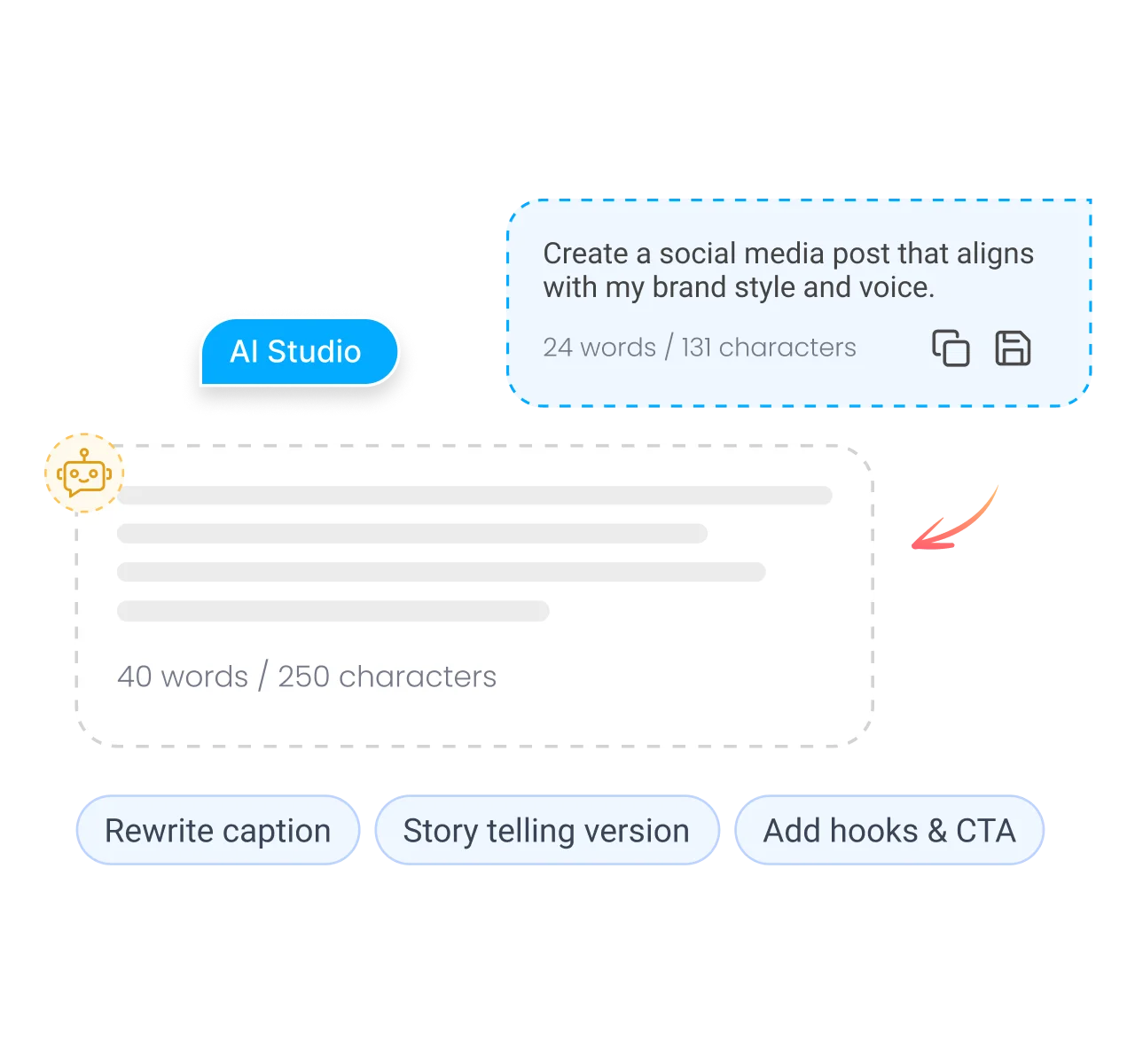
  • Rewrite inside the composer. AI Studio, our AI social media content generator, rewrites, shortens and adjusts the tone of your post for each network in your brand voice.
  • Reshare evergreen content. Recycle your best posts on a schedule, with fresh wording each time.
Try ContentStudio free for 7 daysSee the social media scheduler
One post adapted for several networks in the ContentStudio composer

Is it free?

Is the AI Paraphrasing Tool Free

Yes. ContentStudio's AI paraphrasing tool is free with no usage cap and no account required. It is part of ContentStudio's suite of free social media tools. Need to reword an email instead? Try the AI email writer, which can rewrite a draft in a more professional or friendlier tone.

  • Free forever
  • No sign-up
  • Sentences or full paragraphs
  • 16,500+ brands use ContentStudio

Related free tools

All free social media tools →
AI email writerDraft emails in seconds
Business name generatorBrand and business name ideas
AI prompt generatorBetter prompts for ChatGPT and Claude
AI slogan generatorTaglines and slogans
AI FAQ generatorFAQ sections for any page
Brand story generatorYour brand story in minutes
FAQs

Frequently asked questions

ContentStudio

Book a 30 min call

Have questions? Schedule a quick call and we will guide you through everything.

Book a free call

What is the difference between paraphrasing and summarizing?

Paraphrasing rewrites text at about the same length using different words and sentence structures; the output covers the same points as the original. Summarizing condenses text into a shorter version covering only the main points.

Does paraphrasing avoid plagiarism?

Paraphrasing changes the words and phrasing of a source, so the text is not an exact copy. But in academic writing, paraphrased content still needs a citation to the original source; changing the wording does not remove the need to credit the idea. For your own marketing copy, paraphrasing is a normal way to create fresh versions.

What is paraphrasing?

Paraphrasing means expressing someone's idea, or your own, in different words and sentence structure while keeping the same meaning and roughly the same length. It is used to simplify text, fit it to a new audience, avoid repetition and show you understand a source. A free AI paraphrasing tool does the first draft for you.

How do you paraphrase something?

Read the original until you understand it, then write the idea in your own words without looking at it. Change the sentence structure, not just a few words, keep facts and numbers exact, and compare with the original to make sure the meaning didn't change. Credit the source if the idea isn't yours.

Is paraphrasing plagiarism?

Not when you use your own words and credit the source. It counts as plagiarism when you pass off someone else's idea as yours, or when the rewrite stays too close to the original wording. Students should follow their school's rules on AI tools.

What is the best free paraphrasing tool?

Popular options include QuillBot, Grammarly and Ahrefs' paraphraser, which often limit length or modes on free plans. ContentStudio's AI paraphrasing tool is free with no sign-up and no usage cap, and it suits marketers who reword posts, ads and emails, then schedule them in ContentStudio.

Can I paraphrase social media posts with this tool?

Yes. Paste a post and get a reworded version for another network, or for resharing an evergreen post later. Check the length against each network's limit and adjust hashtags and mentions after you paraphrase.

Will the paraphrased text keep my meaning?

It is designed to, but always check. AI can soften a claim, drop a detail or change a number. Read the output next to your original before you publish.

Reword it here. Publish every version with ContentStudio.

Start free trial

Grow faster on social, every
single week

Get insights, emerging platform trends, AI strategies, and product updates trusted by 100,000+ marketers.

Lawrence Giordano
Thomas Smith
Anthony Garcia
Matt Li Haoming
Angela R.
100,000+ marketers subscribed

ContentStudio

5.3K subscribers

  • •Step-by-step tutorial and how-tos
  • •Product deep dives and launch demos
Subscribe on YouTube

One scheduler for every social network

Social Media Schedulers→
Facebook logoFacebookX (Twitter) logoX (Twitter)Instagram logoInstagramLinkedin logoLinkedinYoutube logoYoutubeTiktok logoTiktokPinterest logoPinterestBluesky logoBlueskyThreads logoThreads

Product

  • Publishing
  • AI Studio
  • Analytics
  • Inbox
  • Social Listening
  • Discover

Features

  • Content Calendar
  • Smart Scheduling
  • Automation
  • Content Composer
  • Approval Workflow
  • AI Library
  • See all features

Developers

  • Integrations
  • API
  • MCP Server
  • ContentStudio CLI
  • Zapier
  • Make
  • n8n

AI Agents

  • ChatGPT
  • Claude
  • Gemini
  • Grok Bot
  • Hermes Agent
  • Cursor
  • Codex
  • OpenClaw

Upgrade from

  • Hootsuite
  • Buffer
  • Sprout Social
  • Sendible
  • Agorapulse
  • Metricool
  • SocialPilot
  • See all

Resources

  • Blog
  • Help Docs
  • Changelog
  • Glossary
  • Free Tools
  • Case Studies
  • Mobile App
  • Chrome Extension

Company

  • About Us
  • Plans & Pricing
  • Reviews
  • Careers
  • Write for Us
  • Affiliate Program
  • Brand Assets
  • Contact Us
contentstudio-logo
Download on the App StoreGet it on Google Play
Facebook iconX (Twitter) iconInstagram iconLinkedIn iconYouTube iconTikTok icon
4.74.7 star rating, 25,000+ reviews on Capterra and G2

16,500+ brands trust ContentStudio

SSL Secured
GDPR Compliant
CCPA Compliant

© 2026 ContentStudio. All Rights Reserved.

Privacy|Terms|GDPR|System status|Security policy|Child safety|Sitemap