Free AI prompt generator
Know what you want from AI, but stuck on how to ask? Turn a rough idea into a clear prompt. Free, no sign-up.
- Free forever
- No sign-up
- Works in ChatGPT, Claude and Gemini
- 16,500+ brands use ContentStudio
What is an AI prompt generator?An AI prompt generator turns a rough request into a clear, detailed prompt that an AI tool can act on. You describe the task and pick a tone, and it adds the role, audience, format and limits the AI needs. ContentStudio's AI prompt generator is free, needs no sign-up, and works with ChatGPT, Claude and Gemini.
How to use it
How to use the AI prompt generator
Describe the task
Write what you want the AI to help with in plain words: the task, the topic and who it is for. Rough notes are fine.
Pick a tone of voice
Choose how the final answer should sound, such as friendly, professional or direct.
Generate the prompt
Click Generate AI prompt. The tool expands your idea with role, context, format and constraints.
Edit and add facts
Add anything only you know: product names, prices, dates, links or examples of your past posts.
Paste it into your AI tool
Copy the prompt into ChatGPT, Claude, Gemini or another assistant, then ask follow-up questions to refine the answer.
Tip: add "Ask me 3 questions before you start" to the end of any prompt. The AI fills its own gaps instead of guessing.
What is an AI prompt?
What is an AI prompt?
A prompt is the request you type before a writing tool gives you an answer. It can be a question, a task, a few rough notes or even a half-formed idea. The quality of your request directly shapes how useful the output is. The better the request, the less the tool has to guess.
Prompts work the same way in chat assistants such as ChatGPT, Claude and Gemini, in image tools, and in the AI features built into apps you already use, including social media tools.
Why use a prompt generator
Why do you need an AI prompt generator?
Sometimes you know what you mean, but the wording gets in the way. This tool gives you a cleaner version to start with, so you are not rewriting the same request five times. It can help you:
- Get the first version down faster
- Turn a rough idea into something easier to understand
- Add the details you might forget, like tone, format or audience
- Avoid answers that feel too broad to use
- Make prompts for captions, emails, outlines, ads, summaries and content ideas
- Copy the result, tweak it and move on
What makes a good prompt
What makes a good AI prompt?
A good prompt does not need to be long. It just needs to give the AI enough to work with. The most useful prompts cover these six parts:
| Part | What to include | Example |
|---|---|---|
| What you need | Write, rewrite, summarize, explain, compare, list or brainstorm | Write 5 LinkedIn post hooks |
| What it is about | The topic, product, idea or problem | about our new scheduling feature |
| Who it is for | Customers, students, marketers, beginners, managers | for agency owners who manage 10+ clients |
| How it should sound | Simple, friendly, direct, casual, detailed or professional | Confident, no hype |
| What format you want | Bullets, email, caption, outline, paragraph, table or script | A numbered list, one line each |
| What to avoid | Jargon, long answers, emojis, certain phrases, a salesy tone | No emojis, no "game-changer" |
Two more parts help with harder tasks: a role ("Act as a senior copywriter") and an example of output you liked. The generator adds a role for you; examples are best added by hand.
What you can make
Prompts you can create with this tool
Social media posts and captions
Prompts for a week of posts, a carousel, a thread on X or a LinkedIn story, with network, length and hashtags spelled out.
Content plans
Ask for a 30-day content calendar by theme, network and format, ready to paste into your planner.
Emails and newsletters
Prompts that set the reader, the goal and the call to action for outreach, follow-ups and newsletters.
Blog outlines and articles
Structure, headings, audience and search intent in one prompt before the AI writes a word.
Ads and landing pages
Prompts for headline variations, benefits and A/B test copy with character limits.
Research and summaries
Ask the AI to compare options, summarize a report or list pros and cons in a table.
Prompt engineering basics
Prompt engineering, in plain words
Prompt engineering is the practice of writing and refining instructions so an AI model gives accurate, useful output. It is mostly clear communication: say who the AI should be, what you want, for whom, in what format and what to avoid, then improve the prompt based on the answer you get.
Give context before the task
Paste the facts, the brief or a past post first, then ask. The AI uses what you give it far better than what it has to guess.
Ask for several options
"Give me 5 versions" beats asking five times. Pick the best one and ask for more like it.
Iterate in the same chat
Follow up with "shorter", "more specific" or "use the second option's tone" instead of starting over.
Check the facts
AI can state wrong things confidently. Check dates, numbers, quotes and claims before you publish.
Prompt examples
Before and after: prompt examples
- instagram post for sale
Write 3 Instagram captions for a 20% off weekend sale at a sneaker store. Audience: 18–30. Tone: playful. Under 80 words each, one emoji max, end with "Shop the link in bio".
- linkedin post about hiring
Act as a startup founder. Write a LinkedIn post announcing we're hiring 2 designers. Share one reason the role is exciting. 120–150 words, no hashtags in the body, 3 at the end.
- facebook event promo
Write a Facebook post inviting local parents to a free Saturday coding workshop for kids 8–12. Include date, place and a sign-up call to action. Friendly tone, under 100 words.
- content ideas for a dentist
List 10 social media post ideas for a family dental clinic. Mix tips, behind-the-scenes and FAQs. Give each a one-line hook and the best format (Reel, carousel or photo).
- email to client
Write a short, polite email to a client asking them to approve next week's posts by Thursday. Mention the approval link. 3–4 sentences.
- summarize a report
Summarize the text below in 5 bullet points for a busy marketing manager. Keep numbers exact. Then suggest one social post based on the main finding.
Want ready-made prompts by network? Browse 80+ AI prompts for social media.
From prompt to published post
A good prompt gets you good copy. ContentStudio is a social media management platform that takes that copy all the way to a published post. With it you can:
- Schedule what the AI writes. Plan posts for Instagram, LinkedIn, Facebook, X, TikTok and more, and publish automatically with ContentStudio's social media scheduler.
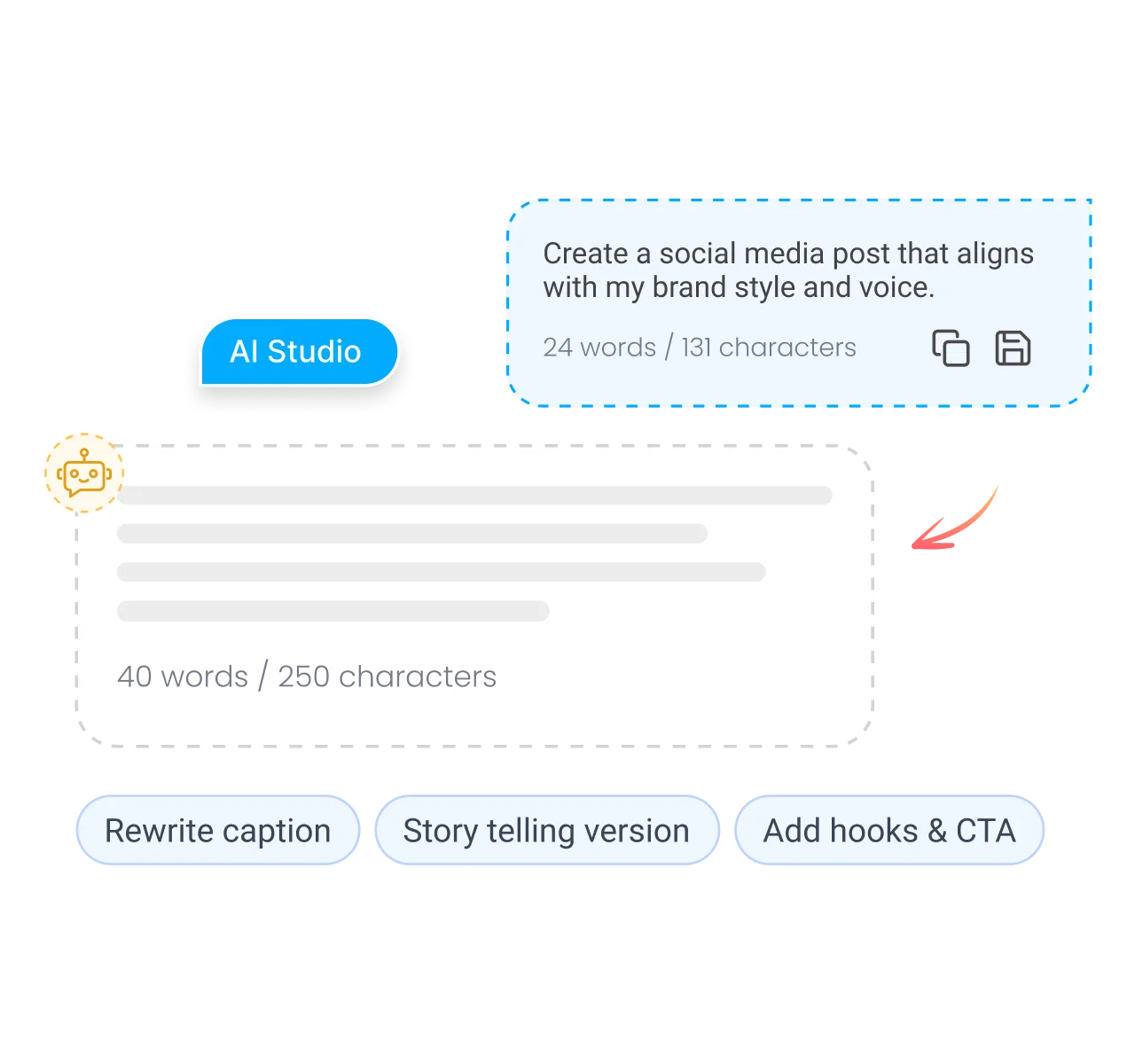
- Skip the copy and paste. AI Studio, our AI social media content generator, writes captions, hashtags and images inside the composer, in your brand voice.
- Keep a human in the loop. Send AI drafts to teammates or clients for approval before anything goes live.
Is it free?
Is the AI prompt generator free?
Yes. ContentStudio's AI prompt generator is free and needs no sign-up. Generate as many prompts as you need and copy them into the AI app you already use. It is part of ContentStudio's suite of free social media tools.
- Free forever
- No sign-up
- Works in ChatGPT, Claude and Gemini
- 16,500+ brands use ContentStudio
Related free tools
All free social media tools →Frequently asked questions

Book a 30 min call
Have questions? Schedule a quick call and we will guide you through everything.
Book a free call
Prompts for social media
Better prompts for social media content
Social posts are where vague prompts fail most. Each network has its own length, tone and habits, so say which one you are writing for.
If you'd rather skip prompting for posts, the AI caption generator already knows each network's format. For email prompts, the AI email writer has the fields built in.