How to build an executive’s LinkedIn content workflow with Claude Code
Oct 1, 202615 minutes

Written by
Abdullah MansoorUpdated

Pinterest isn’t just a platform for discovering creative ideas and inspiration—it’s also a vibrant social network. Knowing how to find people or a specific individual on Pinterest can help you connect with friends, family, and like-minded individuals who share your interests.
In this comprehensive guide, we will walk you through different methods to find friends on Pinterest and follow them to build a strong social community.
Before diving into specific search methods, it’s important to understand that Pinterest offers multiple ways to find people. Some profiles may be private, which means you’ll need the account owner’s approval to see their content. Moreover, Pinterest search results can vary depending on whether you’re using Pinterest’s mobile app or web interface.
The most straightforward way to find someone on Pinterest is by searching for their name or username. Here’s how to do it effectively:
1. Open Pinterest.com and login to your account
2. Look for the search bar at the top of the page
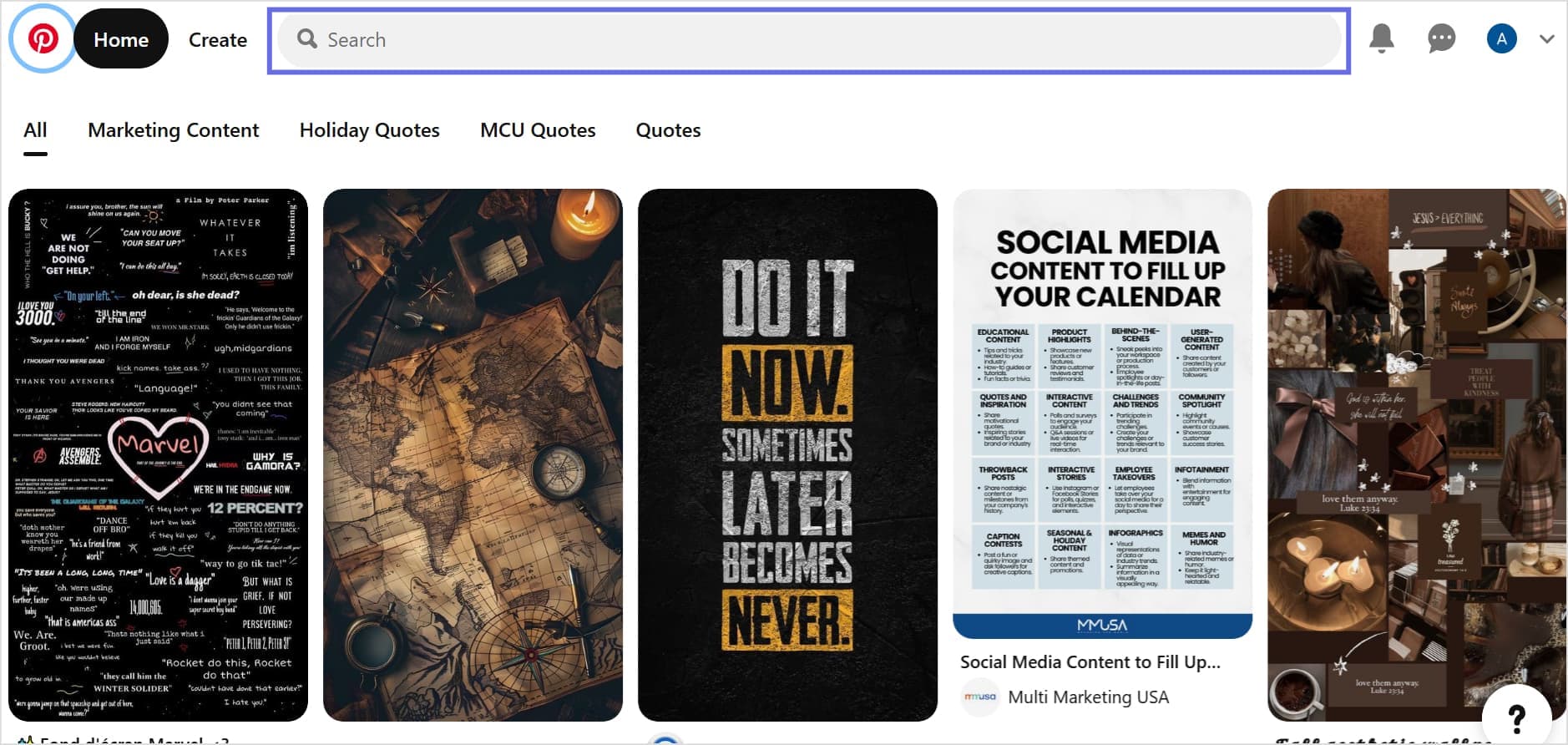
3. Enter the person’s name or Pinterest username
4. Click the filter icon (located at the top-left of the search result. Select Profiles from the filter options and click Apply.
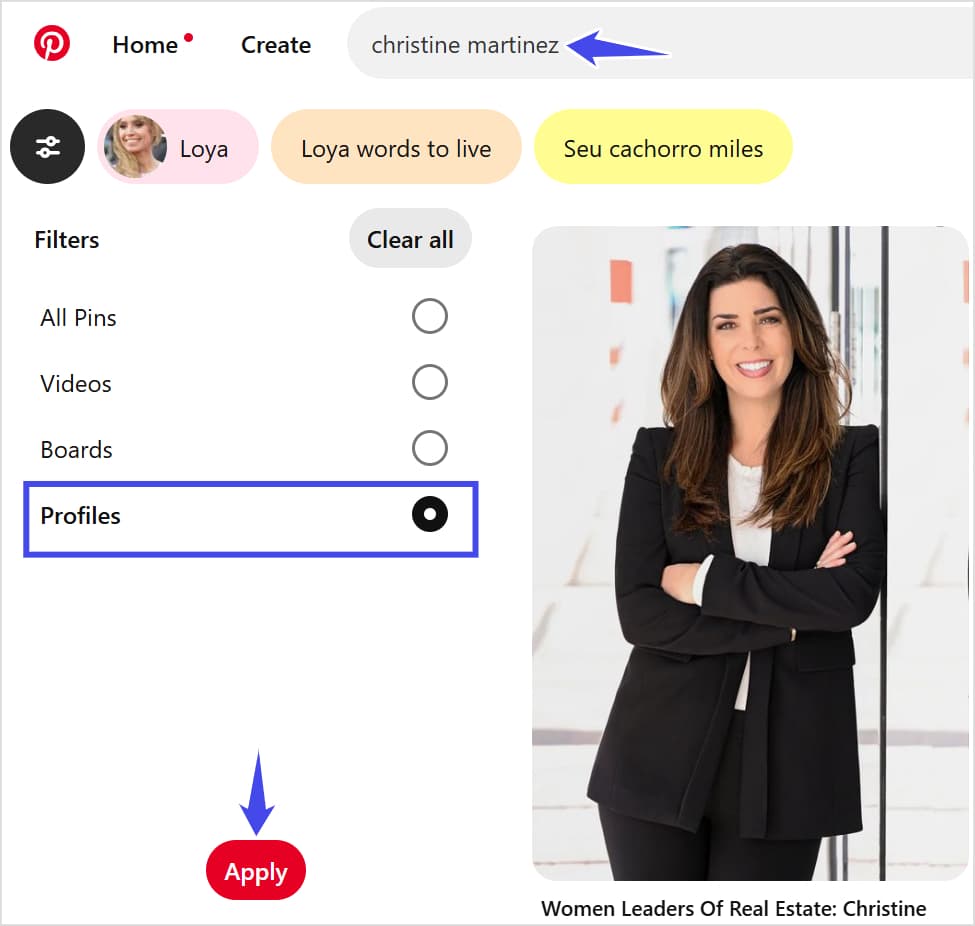
5. Browse through the results to find the person you’re looking for.
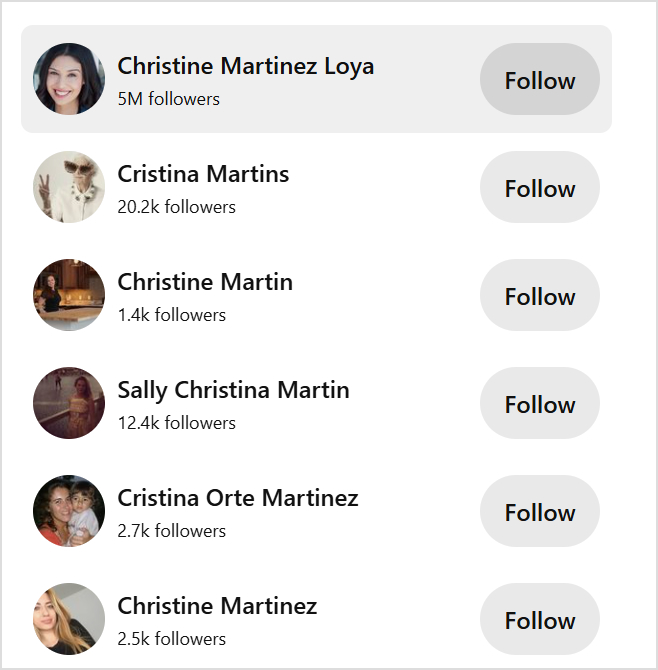
How to follow someone on Pinterest?
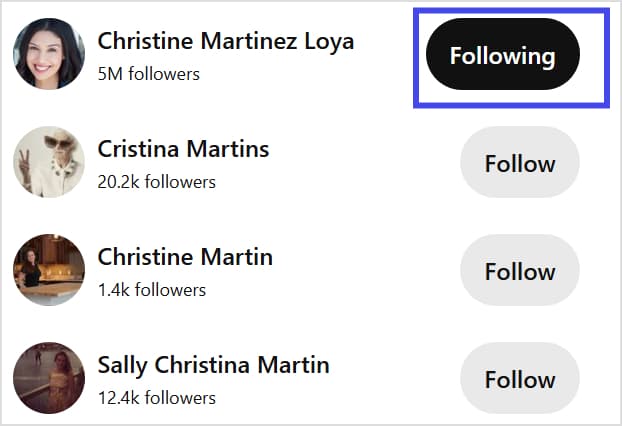
Once you have found the user you were looking for on Pinterest, simply click on the Follow button to follow that account and get regular updates.
1. Open the Pinterest app and sign in.
2. Tap the search icon at the bottom of your screen
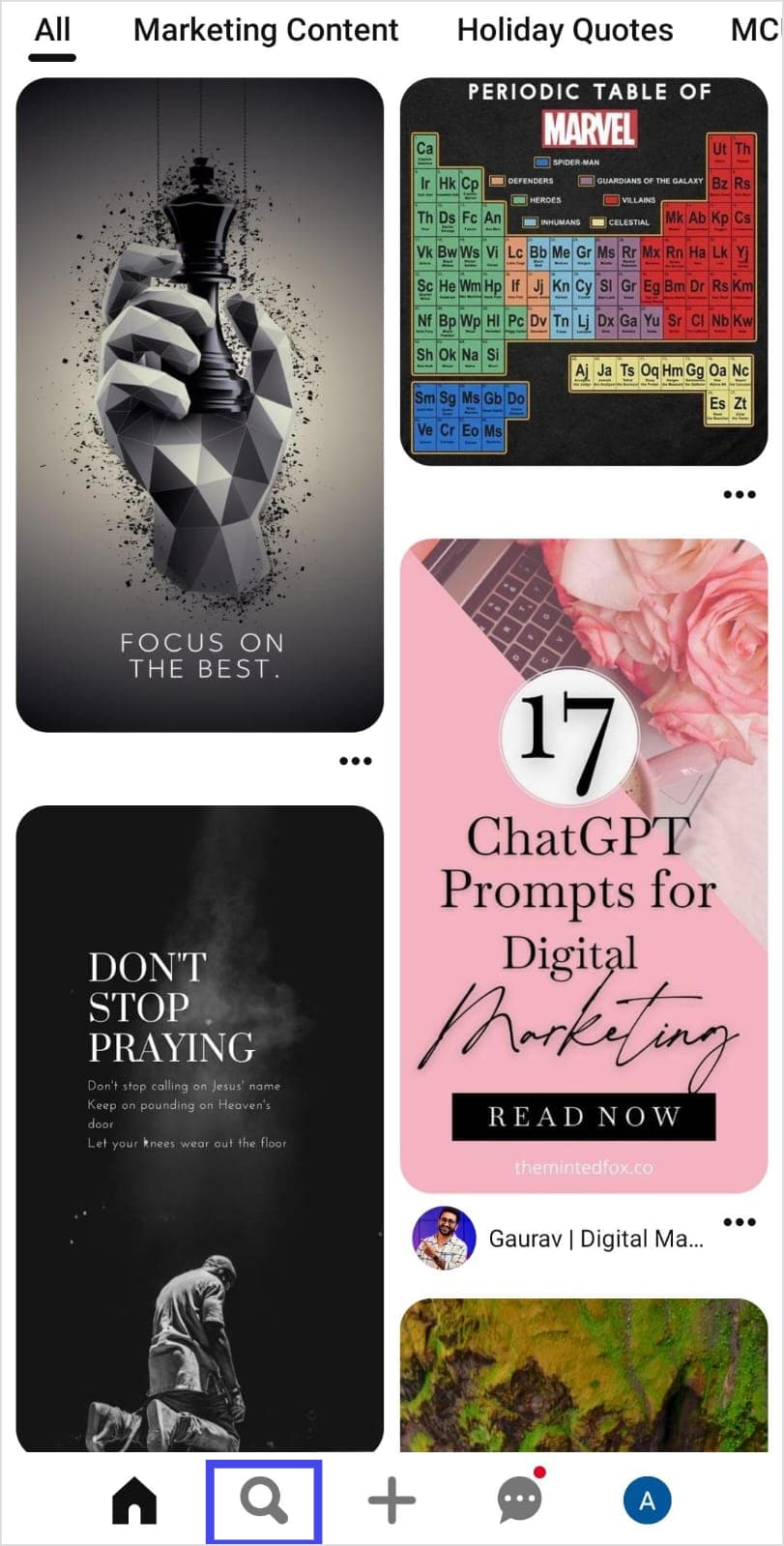
3. Type the person’s name or username.
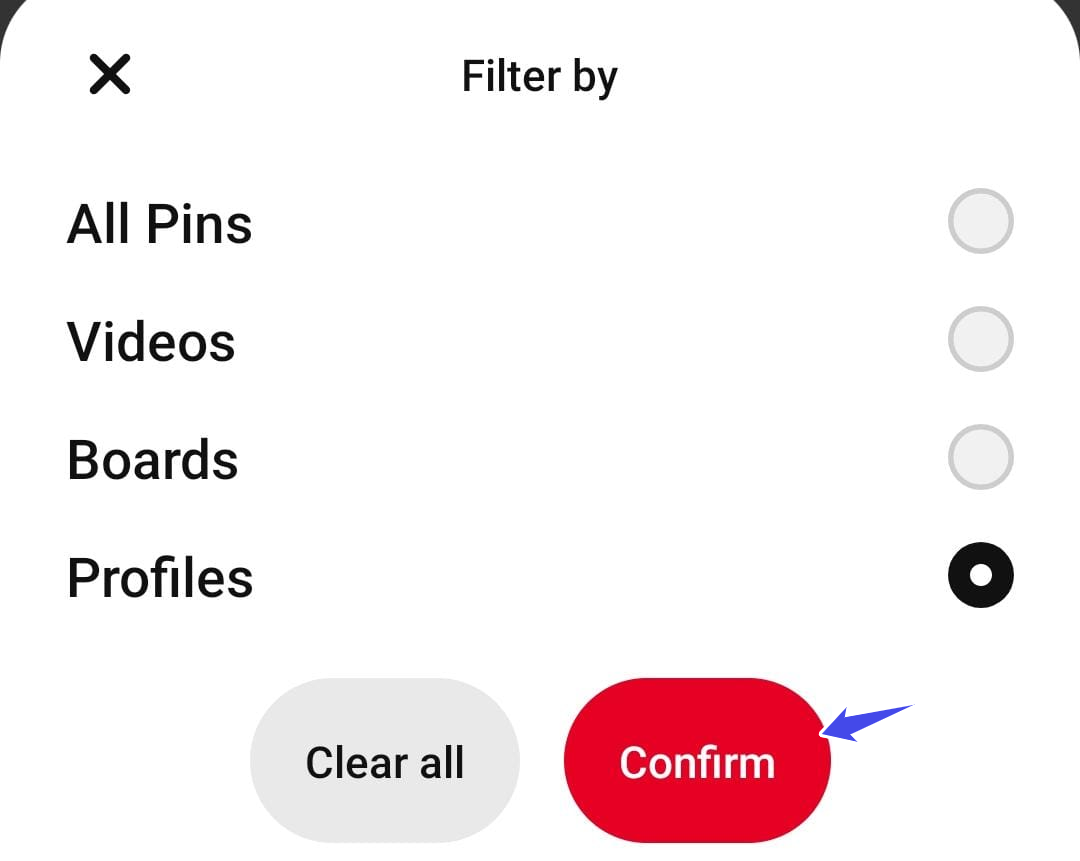
4. Tap the filter icon at the top of the results.

5. Select Profiles and tap Confirm.
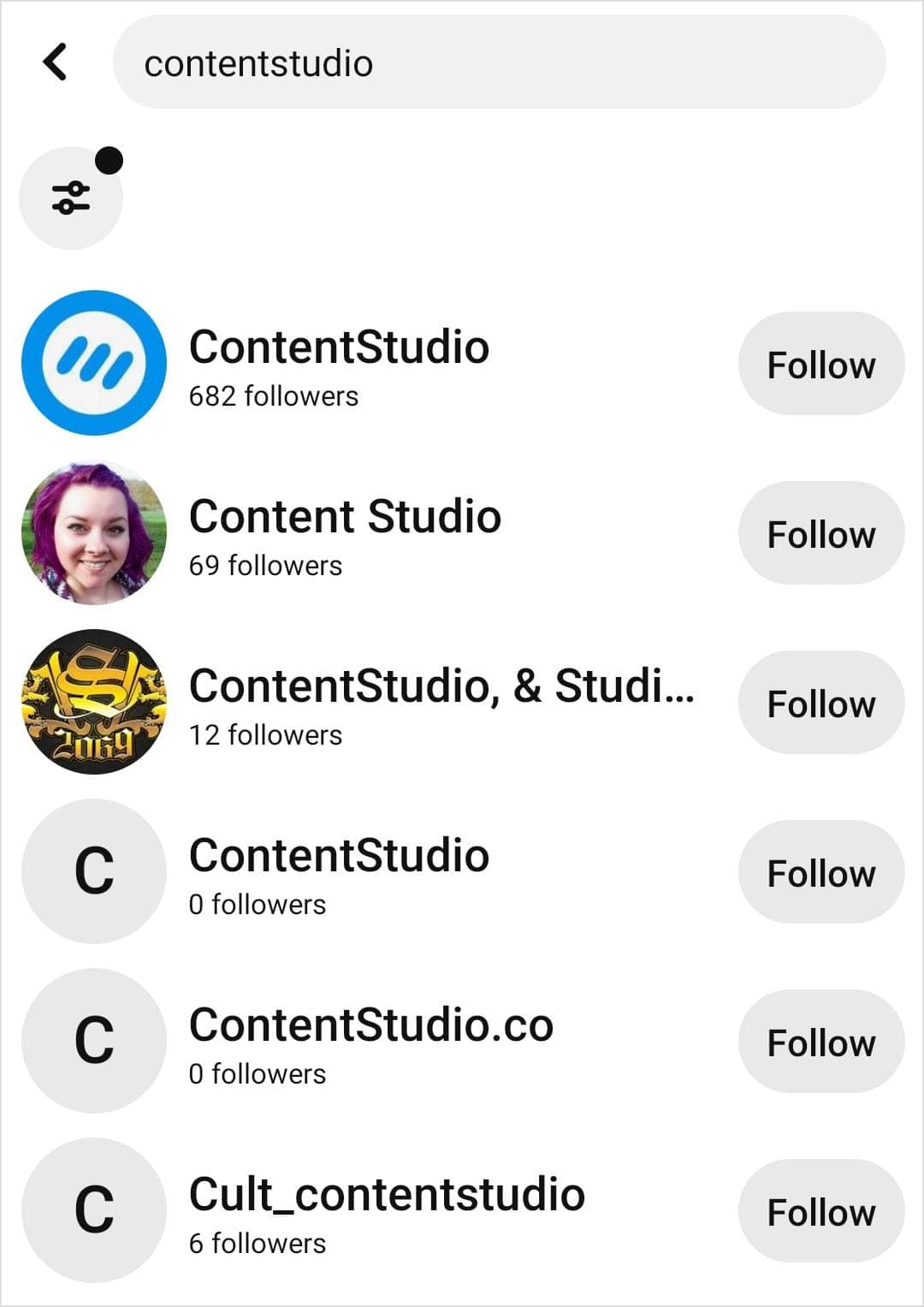
6. Scroll through the matching profiles. You can easily open the profile that you want to follow by tapping on it. You can also tap the Follow button to follow the account and view their pins in your feed.
If you know someone’s email address, you can use it to find their Pinterest profile, provided they’ve linked that email to their account:
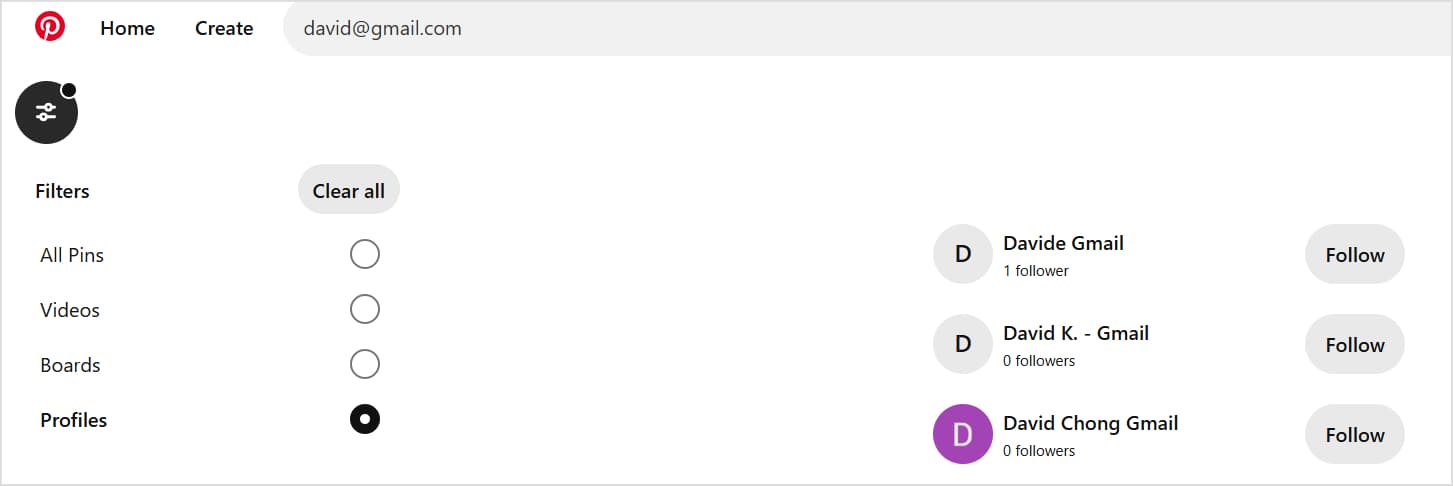
Sometimes, finding the right people on Pinterest can be tricky. If you’re having trouble with Pinterest user search, here are some common issues and solutions to help you out.
By troubleshooting these issues, you can make the most out of Pinterest user search and easily find the profiles you’re looking for. Alternatively, you can use a people search tool such as Unmask to find the person’s social media accounts, including Pinterest.
Also read: How to find someone on Twitter?
Once you’ve found people on Pinterest, the next step is to grow your network and engage with your connections. Here are some bonus tips to maximize your Pinterest experience:
By applying these strategies, you can not only find people on Pinterest but also build a vibrant community of connections, making your experience more enriching and enjoyable.
Plan, schedule, share, and analyze content for 15+ social media channels.
Try ContentStudio for FREE
Finding and connecting with people on Pinterest opens up a world of creative possibilities and meaningful interactions. The platform’s diverse search features—from name searches to email searches—make it possible to build a vibrant network of connections that align with your interests and goals.
Whether you’re looking to reconnect with friends, follow inspiring creators, or build professional relationships, understanding these various search methods ensures you can make the most of Pinterest’s social features.
As Pinterest continues to evolve, these connection methods may be enhanced with new features and capabilities. Stay current with Pinterest’s updates, and don’t hesitate to experiment with different search strategies to find what works best for your needs.
Plan 0 Days of Content in 0 Minutes
Create, schedule, publish and analyze your content across all your social media channels from one simple dashboard.
4.7 on Capterra • 16,500+ marketers trust ContentStudio
Abdullah Mansoor is a Senior Content Writer at ContentStudio with a proven track record creating engaging content across SaaS, technology, marketing, and e-commerce. He focuses on Instagram growth, how-to guides, carousel posts, user-generated content, and white-label social media management, and reviews blog content for structure, clarity, accuracy, and a consistent brand voice.
View all posts by Abdullah MansoorRecommended for you
How to build an executive’s LinkedIn content workflow with Claude Code

How to turn one product photo into 5 video Ads with Claude Code
Social media MCP server: How to automate posting with ContentStudio
How to automate social media with n8n: A practical guide