HubSpot vs Hootsuite: pricing, features, and which fits
Nov 6, 202613 minutes

Written by
Areesha KhanUpdated
Have you ever gazed at a beautifully curated Pinterest board and wondered how someone turned that passion into a profitable venture?
Well, you’re not alone!
Pinterest has transformed from a hub for visual inspiration into a strong platform for monetization.
From bloggers and influencers to online retailers and service providers, countless individuals and businesses have successfully leveraged Pinterest to generate income.
This guide will show you how to turn your Pinterest hobby into a profitable side hustle or business.
We’ll cover monetization strategies, eligibility, and best practices to boost earnings while staying aligned with Pinterest’s algorithm.
Before we dive in, let’s address a common question:
While exact figures can vary, it’s safe to say that many individuals and businesses have successfully monetized their Pinterest presence.
Pinterest’s research shows that 89% of its weekly users engage with the platform during their path to purchase. This implies that you have a significantly higher chance of converting followers on Pinterest than other social media platforms.
From bloggers and influencers to online retailers and service providers, Pinterest offers a diverse range of income opportunities.
Also Read: Which social media platform pays the most in 2025?
Plan, schedule, share, and analyze content for 15+ social media channels.
Try ContentStudio for FREE
Pinterest monetization refers to earning money through the platform by promoting products, services, or ideas to the target audience.
This can be achieved through various methods, including affiliate marketing, sponsored content, product sales, and more.
Pinterest monetization is an excellent way for creators to turn their passion into a profitable business.
For example, let’s say you’re a fashion blogger with a large following on Pinterest.
You can monetize your account by promoting clothing brands and including affiliate links to their products in your pins.
When someone uses your affiliate link to make a purchase, you receive a commission. This is just one example of how Pinterest monetization can work.
For instance, TheFashionSpot, a popular fashion blog, uses affiliate marketing to monetize their Pinterest account.

They create boards dedicated to specific fashion trends and include affiliate links to products from brands like Nordstrom and ASOS.
To monetize your Pinterest account, you need to meet certain eligibility criteria. Here are the requirements:
Additionally, Pinterest has a program called “Pinterest Partners”, which enables creators to earn revenue through video ads, shopping ads, and other monetization options.
To become a Pinterest partner, you need to meet the following requirements:
Now that we’ve covered the basics of Pinterest monetization, let’s dive into the best strategies to make money on the platform.
On Pinterest, affiliate marketing offers a popular avenue for earning money.
By promoting products from affiliate networks such as Amazon Associates, ShareASale, or Commission Junction, you can generate income through commissions for every sale completed via your personalized referral link.
It is important to understand the difference between affiliate marketing and dropshipping, as each model offers unique advantages and fits into different e-commerce strategies.
Example: A fashion blogger can create a Pinterest board dedicated to summer fashion trends and include affiliate links to products from Amazon Associates.

Maxie Elise’s Pinterest profile is thoughtfully designed to showcase her aesthetic, with many of her pins including Amazon affiliate links.

Another effective method to earn money on Pinterest is through sponsored content.
By collaborating with brands, you can create sponsored pins, videos, or carousels that highlight their products or services.
Example: Reagan Baylee’s collaboration with Rare Beauty follows the same format as her usual content—makeup tutorials and beauty reviews—and her background as a beauty influencer adds credibility to this sponsored post featuring the Rare Beauty blush palette.

If you have a product-based business, you can use Pinterest to drive traffic to your website and make sales. You can create boards dedicated to your products and include links to your website.
Example: A jewelry designer can create a Pinterest board dedicated to their latest collection and include links to their website.

Pinterest shopping ads are a great way to drive traffic to your website and increase sales. You can create ads that promote your products and target specific audiences.
Example: A fashion brand can create a Pinterest Shopping Ad promoting their new collection.
Mejuri’s standard pins highlight their exquisite jewelry collection, while their ads take it a step further by offering key product details along with a concise call to action.

Pinterest analytics is a powerful tool that helps you track your performance on the platform. You can use Pinterest analytics to track your website traffic, engagement, and sales.

Social Media Analytics
Fine-tune your social media strategy for success with in-depth analytics and white-labeled reports.
Get Started for FREE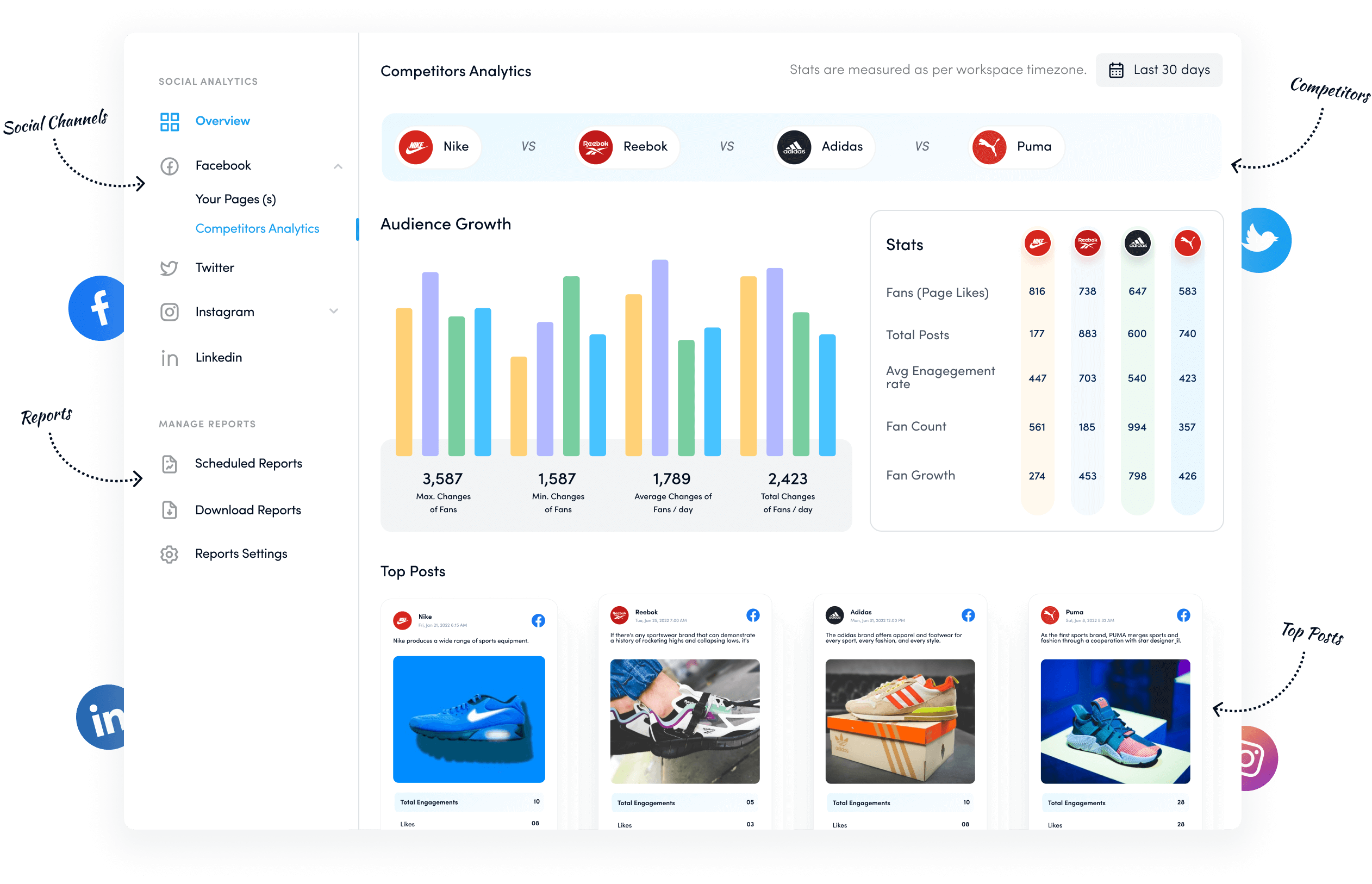
If your blog generates revenue through ads, Pinterest can be a great way to boost traffic. In fact, optimizing and ranking keywords on Pinterest is often easier than on Google.
Pinterest users are always on the lookout for fresh ideas and products. You can tap into Pinterest’s search traffic by crafting valuable content that aligns with the keywords your target audience is searching for.
Here are some tips to grow your website traffic using Pinterest:

The Tipsy Housewife generates multiple pin variations for each recipe on her blog to maximize reach, boost visibility, and increase conversions.
Also Read: How to make money on Snapchat
If you’re looking to make money on Pinterest, scaling your efforts requires leveraging the right tools.
ContentStudio offers a range of features that simplify content creation and management on Pinterest, helping you boost your earnings with less effort.
Here are some bonus tips to maximize your earnings on Pinterest, enhanced by the features of ContentStudio.
Consistency is key on Pinterest, and staying active requires posting new pins regularly. Using ContentStudio’s Pinterest scheduling, you can automate your posting and ensure that your pins go live when your audience is most engaged.

Making money on Pinterest isn’t just about pinning—it’s about understanding what works. ContentStudio’s powerful analytics help you track your pins’ performance by providing insights into engagement, clicks, and conversions.

Time is money, especially when managing multiple platforms. ContentStudio allows you to batch-create and schedule your pins across multiple Pinterest boards in one go.

Social Media Content Calendar
Stay consistent and organized with Contentstudio’s social media content calendar for marketers and agencies.
Get Started for FREE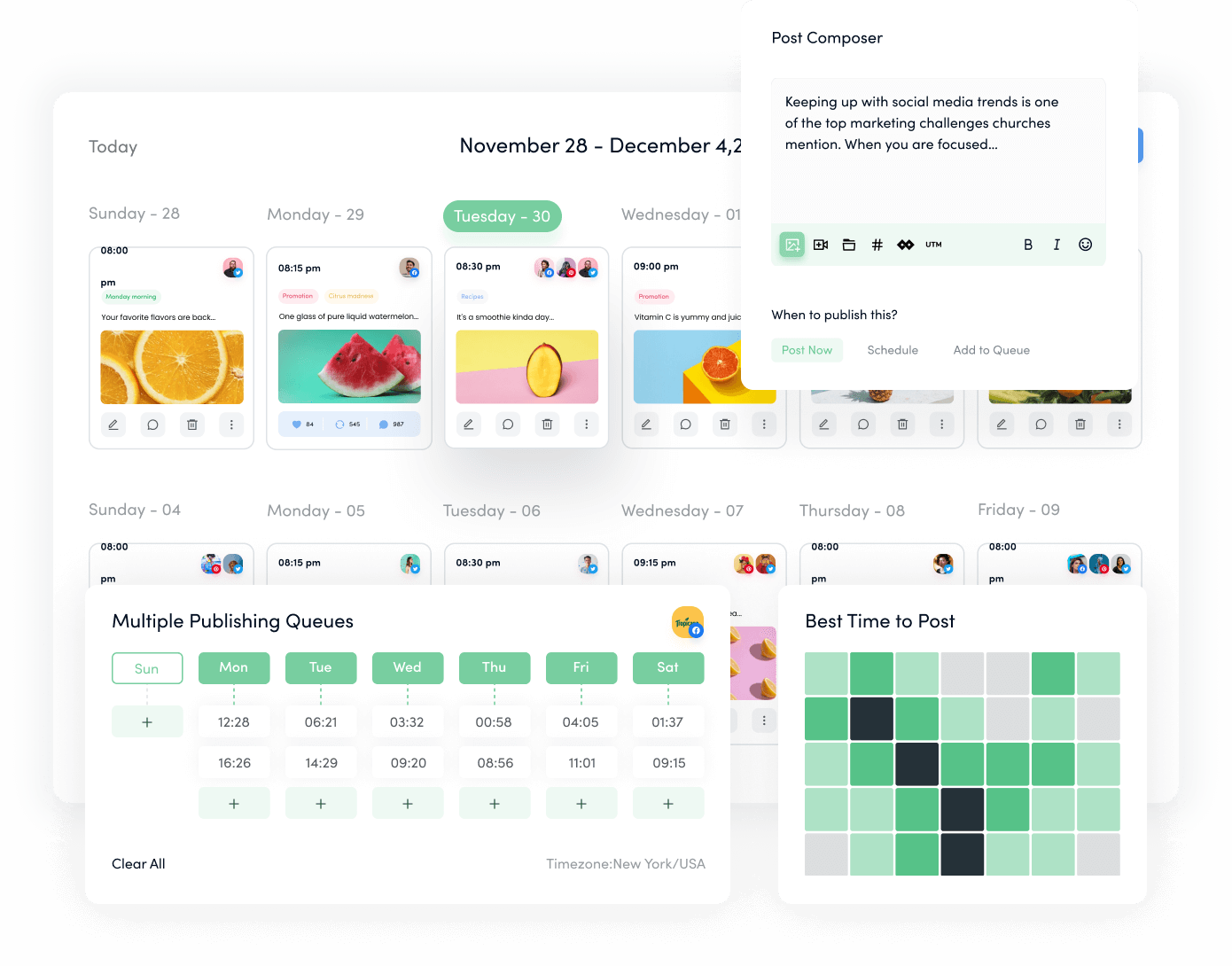
If influencer marketing is part of your strategy, ContentStudio’s collaboration tools simplify managing partnerships. Share board access, streamline approvals, and coordinate promotions easily, boosting your campaign’s effectiveness and revenue.

Related Read: Top 14 collaboration tools every team needs .
Maximize your content’s reach using ContentStudio’s multi-channel posting to share your Pinterest pins across other social platforms like Instagram, YouTube, LinkedIn, Facebook, and X. Cross-promotion ensures that your pins drive traffic from different sources, helping you grow your audience and increase your chances of making sales or earning affiliate income.
Pinterest has evolved from a visual inspiration source to a powerful monetization platform.
To make money on Pinterest, you need a business account with at least 1,000 followers and a verified website.
Tools like ContentStudio enhance monetization efforts by automating pin scheduling, tracking performance, batching content creation, and facilitating influencer collaborations.
By applying these strategies and utilizing practical tools, Pinterest users can successfully turn their passion into a profitable endeavor.
How many followers do you need to make money on Pinterest?
You don’t need a specific number of followers. Quality content and engagement are more important for monetization.
Can you earn money on Pinterest?
Yes, through affiliate marketing, sponsored pins, selling products or services, and promoting digital products.
How to make passive income on Pinterest?
Create evergreen content, use affiliate links, optimize for SEO, schedule pins, and leverage Rich Pins for ongoing income.
Areesha Khan is a Product Education Writer at ContentStudio specializing in social media scheduling and publishing. Her step-by-step guides cover scheduling Reels, carousels, and Shorts across multiple Instagram, Facebook, and YouTube accounts, plus repeat posting and LinkedIn scheduling, and she reviews how-to content for step-by-step accuracy so every workflow reflects how ContentStudio actually works.
View all posts by Areesha KhanRecommended for you
HubSpot vs Hootsuite: pricing, features, and which fits
Buffer vs Later: pricing, features, and which to pick
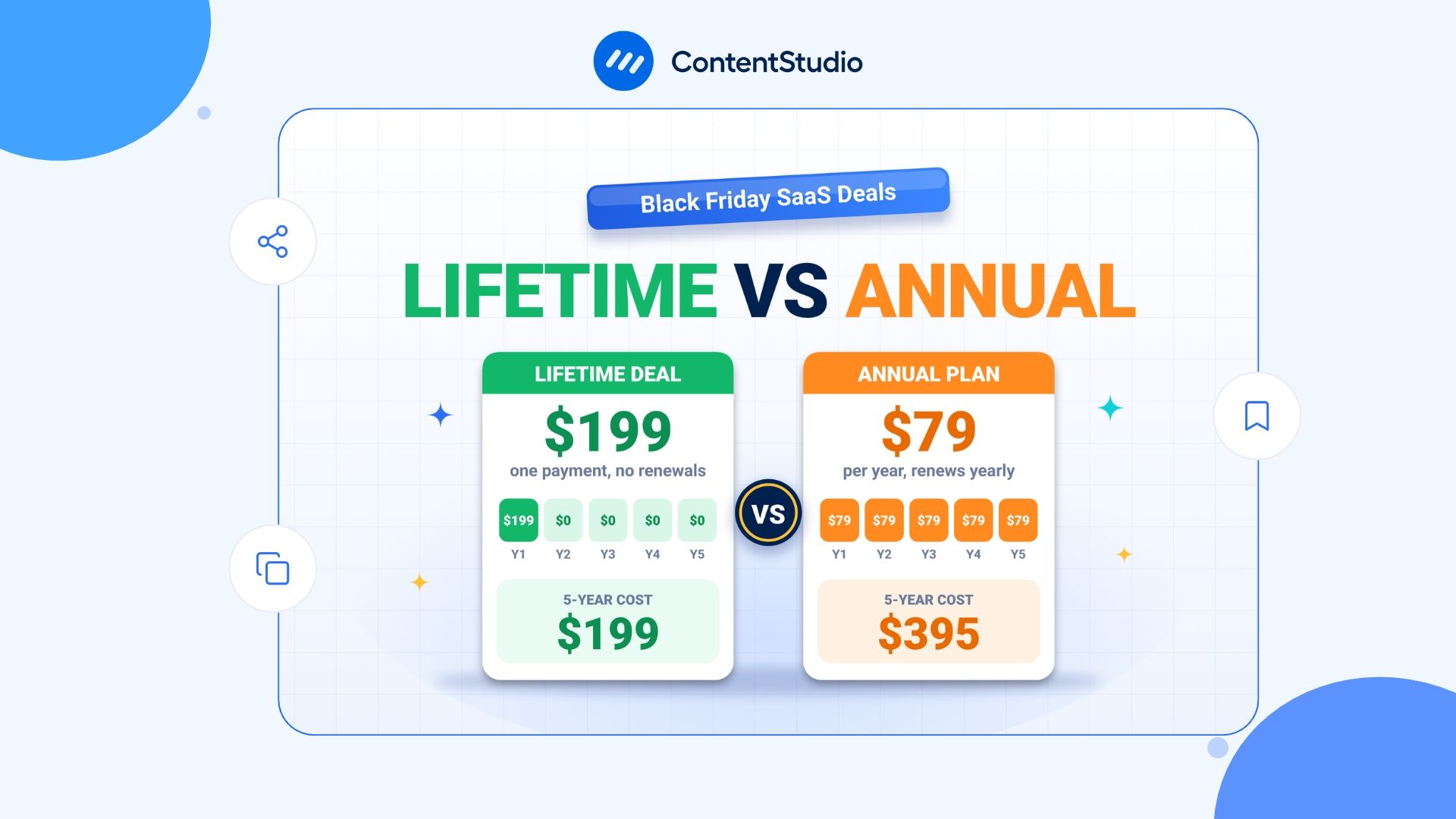
SaaS lifetime deals vs annual discounts: how to judge a Black Friday software deal before you buy
Cyber Monday SaaS deals 2026: Confirmed offers and promotions to watch